NPS Surveys
Send Net Promoter Score (NPS) surveys to customers, track satisfaction scores over time and identify locations that need attention.
Who Does What?
Hubs design the survey program and read network-wide scores. Workspaces see their own location's responses and trend.
NPS May Need to Be Enabled
NPS is an optional module. If NPS does not appear in your navigation, contact your Hub admin or Flamel support to enable it for your account.
NPS Surveys send customers a single question, such as "how likely are you to recommend us?", after a visit, purchase, or service. Flamel collects responses by location, calculates the Net Promoter Score, and surfaces the comments that point to improvements.
How to Build a Net Promoter Survey
Hub Admins Configure the Survey Program
The Hub sets the channels (email or SMS), the cadence and the follow-up question shown after the score.
Workspaces Bring in Customer Contacts
Each location imports or syncs customer contacts from a CSV file or a connected point of sale (POS).
Surveys Send Automatically
After each interaction, a survey goes out by email or SMS, with no manual sending required.
Responses Roll Up
Each answer feeds a per-location score and a Hub-wide rollup, so everyone sees the right view.
Workspaces Follow Up
Locations reply to detractors directly from the response inbox.
Your Workflow
Hub admins design the NPS program and watch reviews and scores across their entire network.
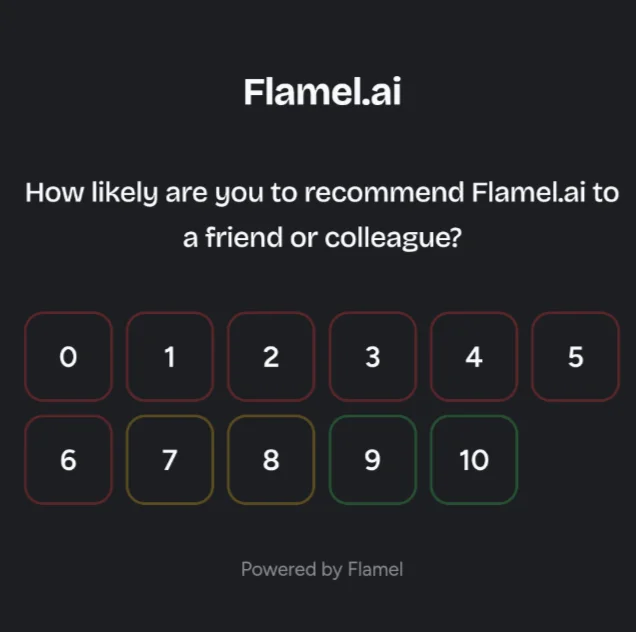
Set Channels & Timing
Open NPS, then Program. Under the program settings, choose which channels send the survey (email, SMS) and when each survey goes out relative to the customer interaction.
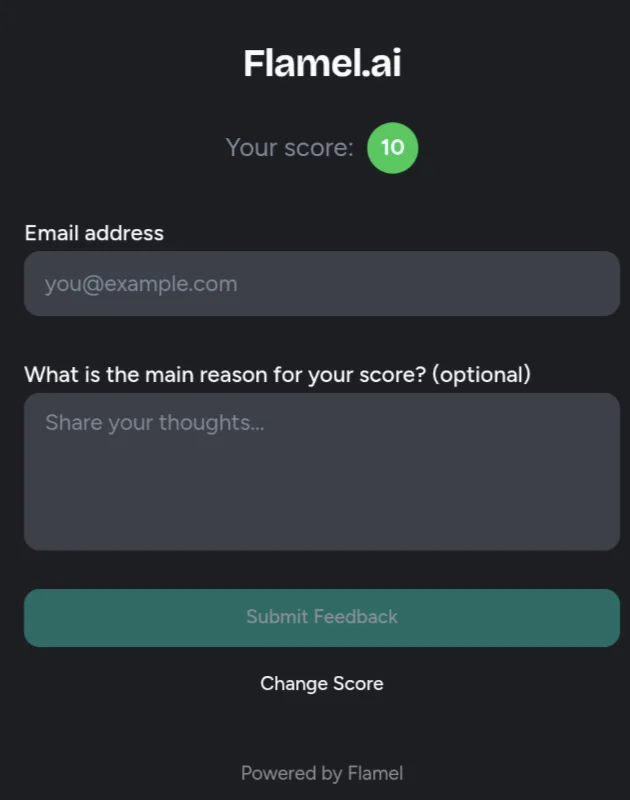
Customize the Follow-up Question
In Follow-Up write the question customers see right after they give their score. This is the open-text prompt that produces your verbatim comments.
Compare Locations By Score
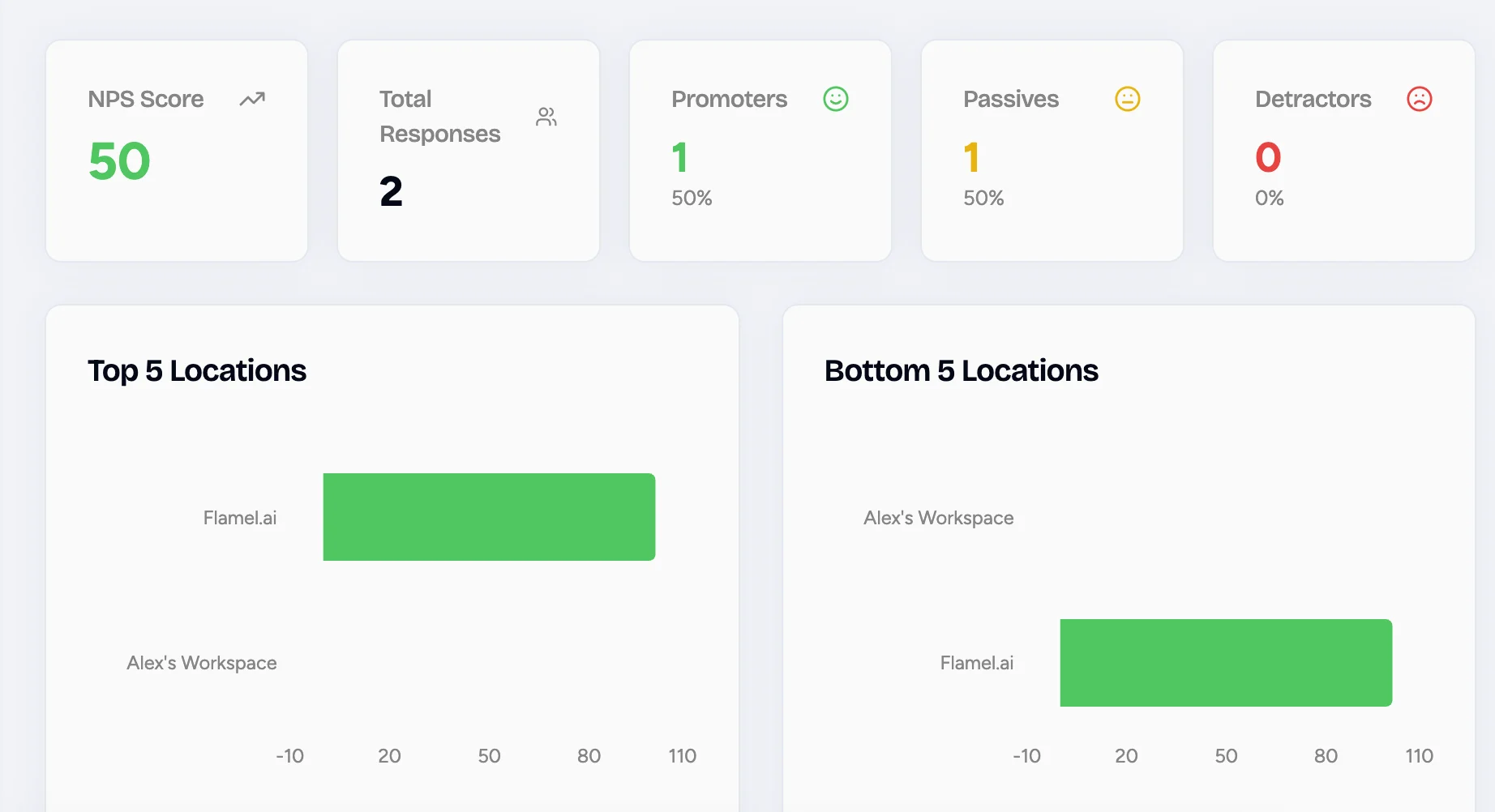
Open the NPS Hub view to rank locations by score and see who is trending up or down.
Spot Detractor Patterns
Open Insights to find recurring themes in detractor feedback across the whole network.
You watch your own score and follow up with customers who leave feedback.
Import Your Contacts
Open NPS, then Contacts, then Import to upload a CSV, or connect a POS so contacts sync automatically.
Check Your Score & Trends
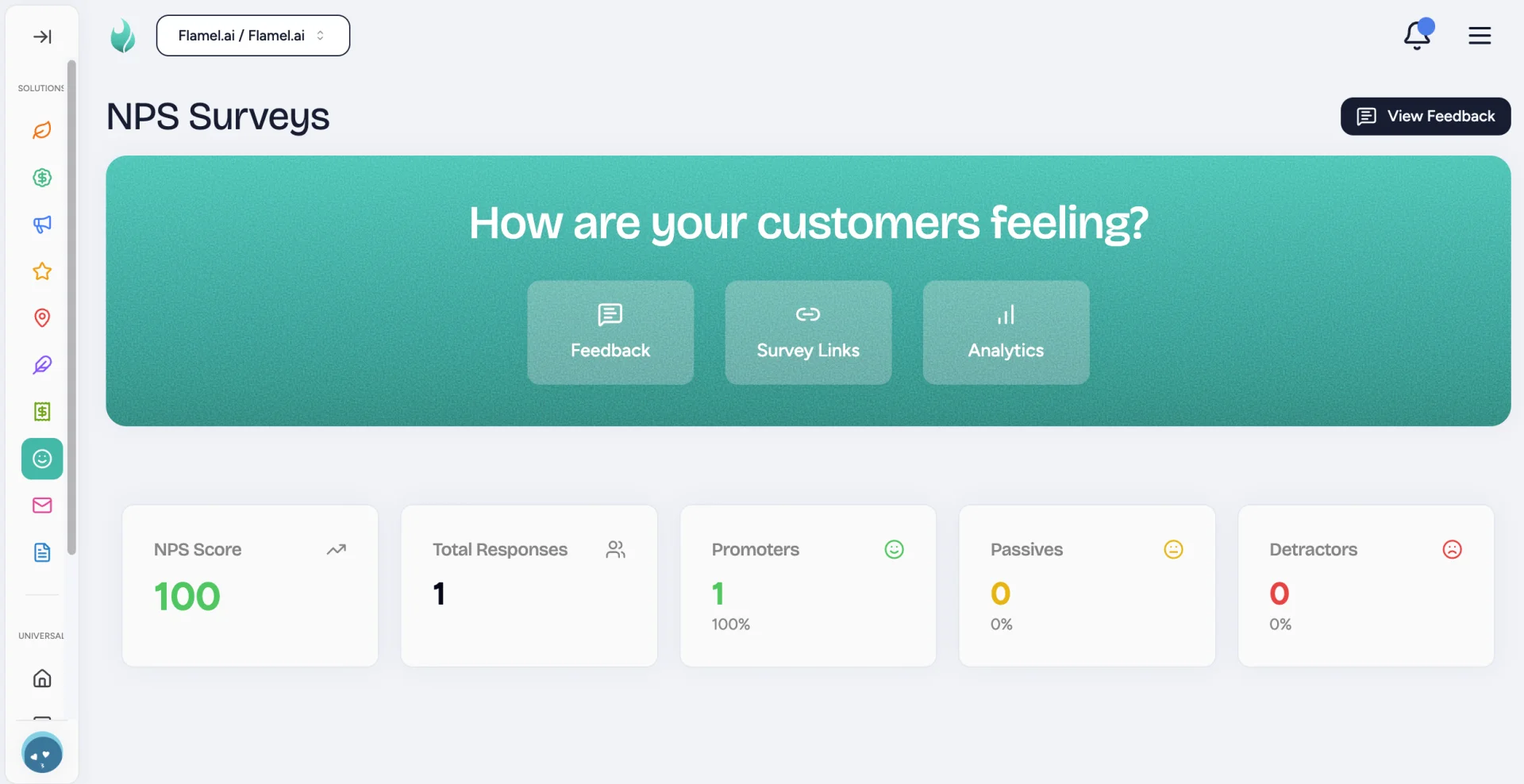
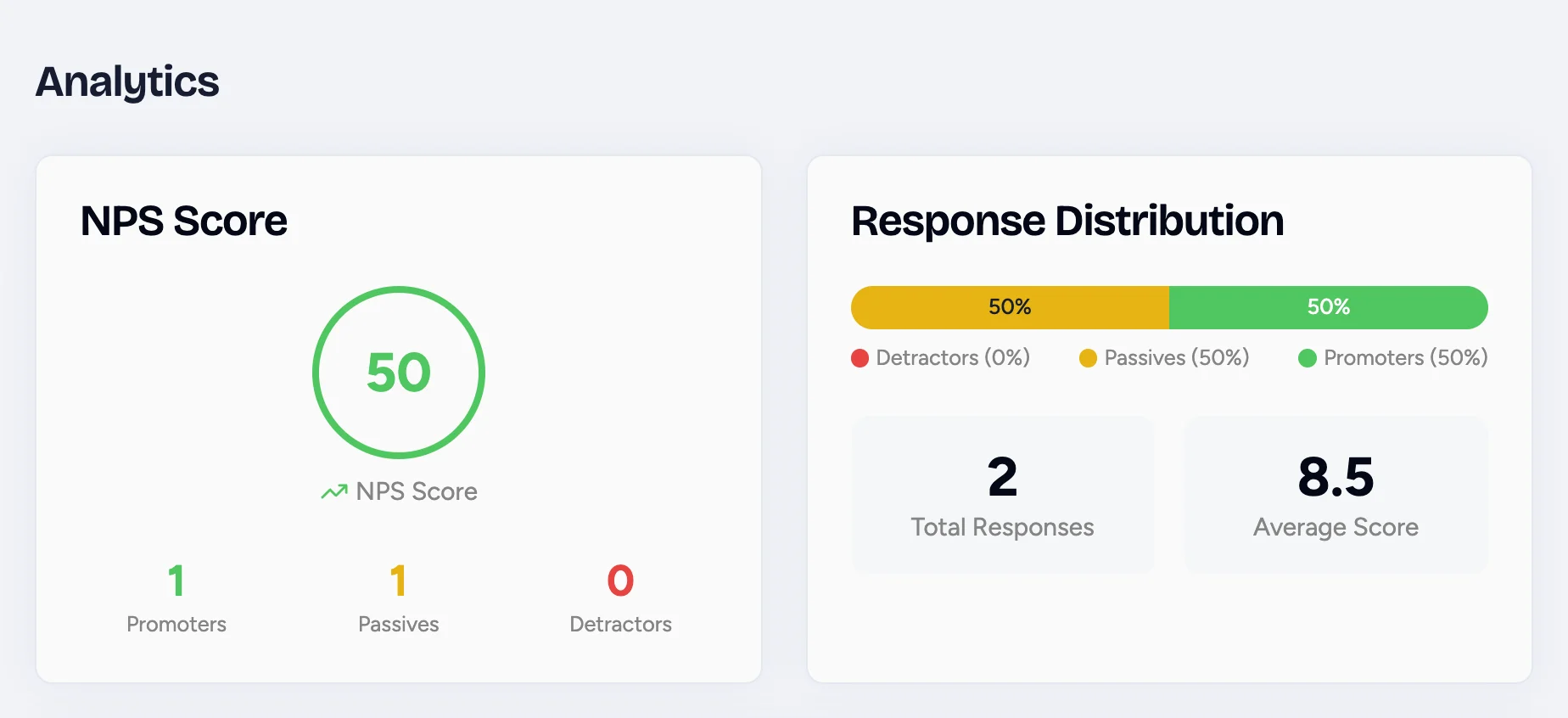
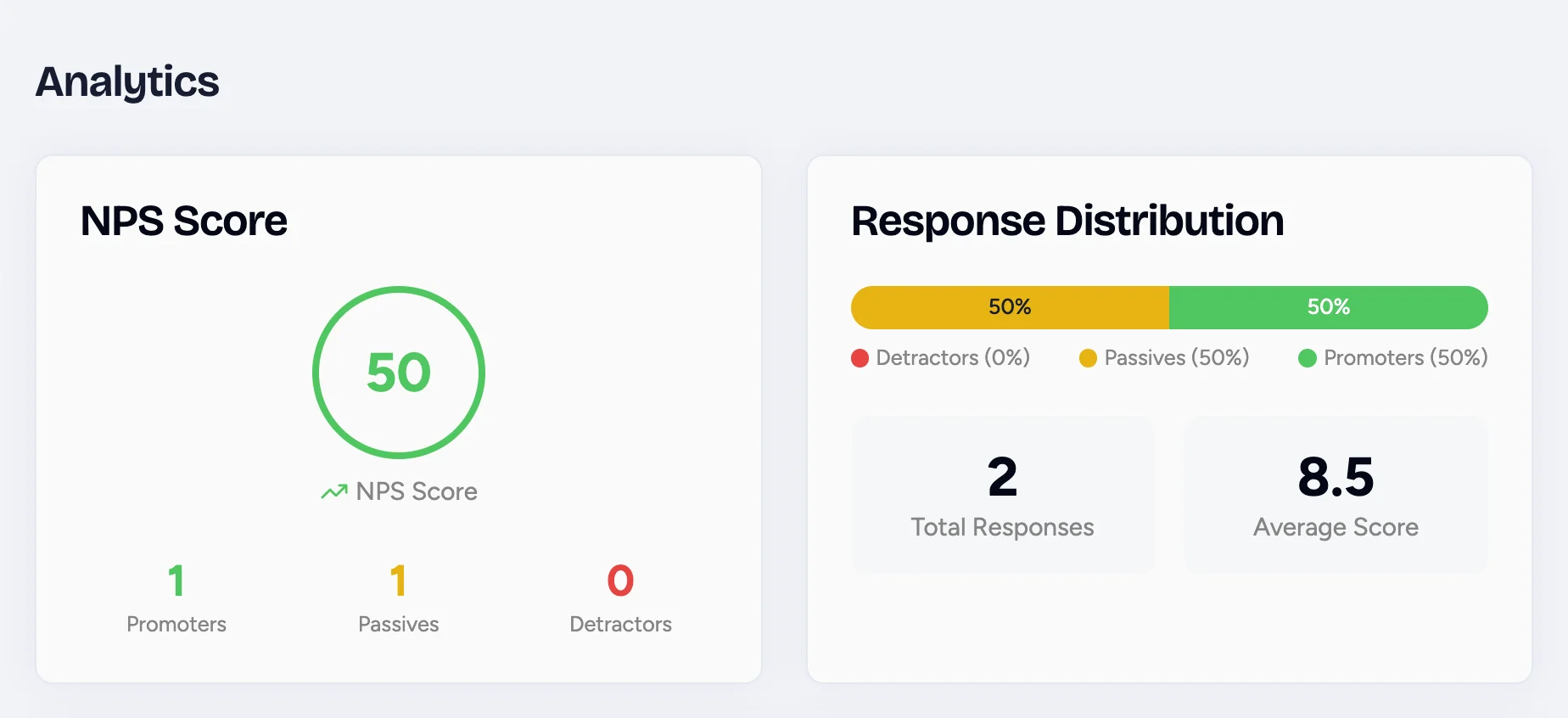
Open the NPS Dashboard to see your current score and how it is moving over time.
Read Every Response
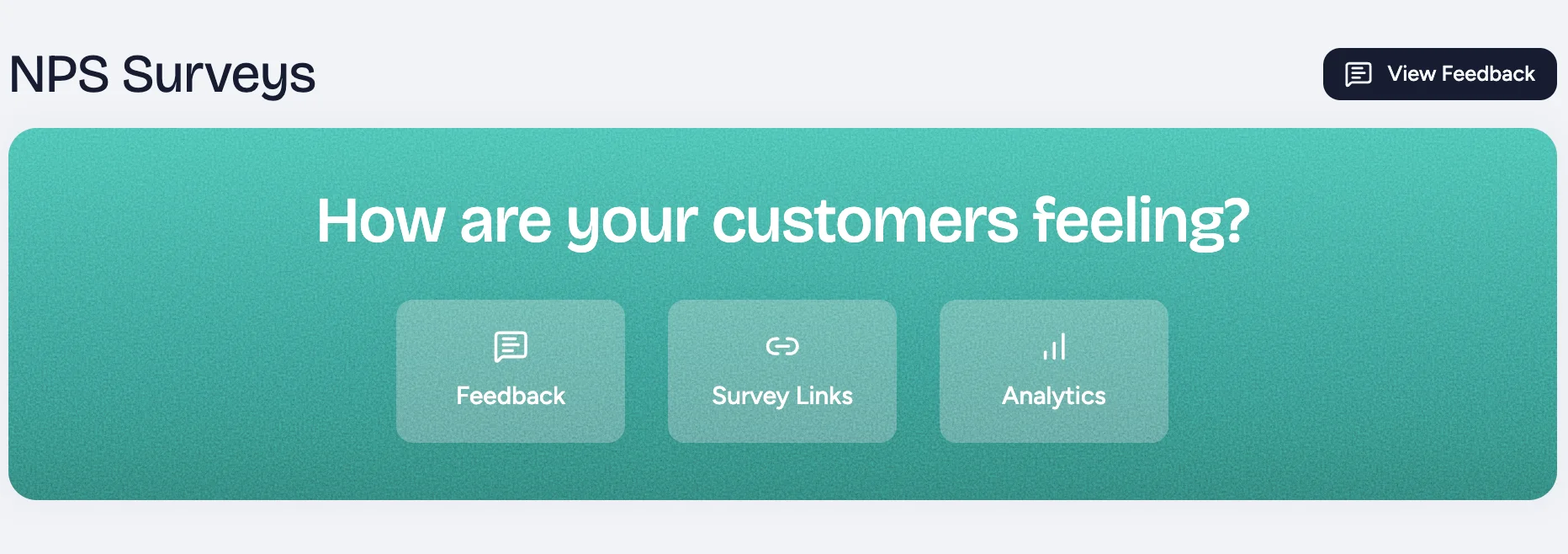
Open the Feedback in the green panel to read each customer's score and comment as they come in.
Reply to a Detractor
Click a response, then Reply to reach out to a customer who left low feedback.
Channel & Timing Live in the Hub Program
The delivery channel (email vs SMS) and when surveys send are set once by the Hub, then apply to every location. Workspaces do not pick a delivery method per send. They bring in contacts and the program handles the rest.
How NPS Is Calculated
Every response lands in one of three buckets, based on the score the customer gives.
| Response | Bucket |
|---|---|
| 9 to 10 | Promoter |
| 7 to 8 | Passive |
| 0 to 6 | Detractor |
The formula is simple: NPS = % Promoters minus % Detractors.
Reading Your Score
A score above 50 is excellent. Industry medians vary widely, so what matters most is your own trend over time.
Best Practices for NPS Programs
Send While Customer Experiences Are Fresh
Send the survey within 24 hours of the interaction, so the experience is still top of mind for the customer.
Always Follow Up With Detractors
Reach out to every detractor personally. Recovered detractors often become some of your most loyal customers, and ignored ones quietly leave.
Roll Up By-Location
Roll up scores by-location to spot operational issues at a single workspace before they start hitting revenue.