Create a campaign, choose the right audience, track results, and control the notification email that Flamel sends.
Before You Start
Email is an optional module. If you do not see it in your navigation, ask your Hub admin or Flamel support to confirm it is enabled. Templates pull from your Brand Kit, so finish that first if you want the email to look on-brand.
Use Email for announcements, offers, newsletters, and follow-up campaigns. Build the message, choose who gets it, then send now or schedule it.
Send a Campaign
Open Email and Create a Campaign
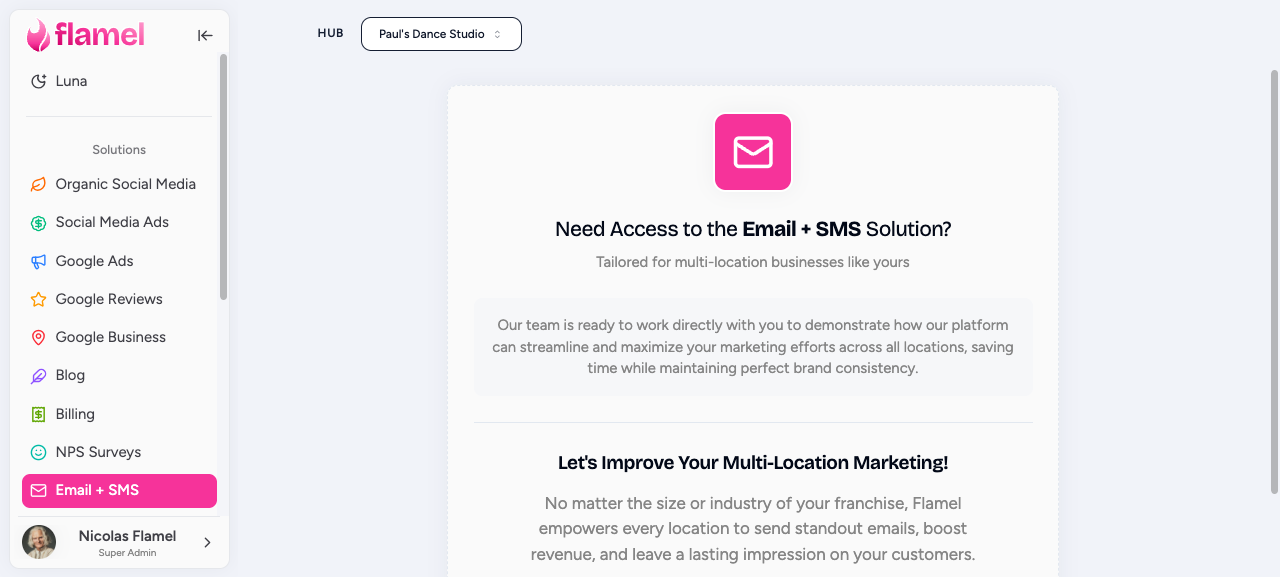
Open Email and click New Campaign.
Choose a Starting Point
Pick a template if you want a faster start, or use a blank layout if you want to build from scratch.
Use a template when:
- you need to send quickly
- you want brand colors and fonts already in place
- the campaign matches a common use case like a promotion or announcement
Build the Message
Add the blocks you need, then keep the layout easy to scan.
Good default structure:
- headline
- short supporting copy
- one clear call to action
- image only when it helps the message
Keep it short
Most readers skim. Short paragraphs, one main offer, and one main button usually perform better than long emails with multiple competing actions.
Write the Subject line and Preview Text
The subject line gets the open. The preview text helps the reader decide whether to click. Make both specific.
Choose the Audience
Send to your full list, or narrow it to a segment or tag.
Use tags for practical groups such as:
- location
- interest
- lead source
- active vs inactive subscribers
Send Now or Schedule
Use Send Now for urgent campaigns. Use Schedule when you want the message to land at a better time or line up with a social campaign.
Manage Subscribers
Open Subscribers
Go to Subscribers inside the Email module.
Import Contacts
Upload a CSV and map the columns. The only required field is an email address.
Add or Clean Up Tags
Tags make future sends easier. Keep them practical and consistent so you can build segments quickly.
Check Results After Sending
Open the campaign after it sends and look at:
- Delivered to confirm the list was reachable
- Open rate to judge the subject line
- Click rate to judge the offer and CTA
- Unsubscribes to see whether the message felt relevant
- Bounces to spot list quality issues
Unsubscribes are Handled Automatically
Flamel removes anyone who clicks Unsubscribe. You do not need to clean that up manually.
What Flamel Handles For You
- your sender branding
- the unsubscribe link
- the location address used in the footer
You still need to keep your subscriber list clean and only send to people who should be on it.
Notification Email From Flamel
A campaign is mail that you send. Flamel also sends notification mail about your account and your content. That mail includes digests, post approvals, ad alerts, invitations, and support replies. This section shows who controls it.
One Message For Every Workspace You Work In
The Post Idea Digest and the Social Pulse Digest arrive as one message for each person for each period. The message has one section for each workspace that person works in. A person who works in twelve locations gets one message, not one message for each location.
- The Post Idea Digest arrives every Sunday at 10:00 AM EST. It shows your Post Ideas for the next 7 days.
- The Social Pulse Digest arrives every Monday at 10:00 AM EST. It gives a personal rollup of social performance.
Hub access alone does not subscribe you
A hub admin receives a digest only as a direct member of a workspace, or when somebody selects the admin as a recipient. Hub access by itself never adds an admin to the digest of every workspace.
Three Levels Of Control
Each digest has three levels of control. A lower level cannot switch on mail that a higher level switched off.
| Level | Where to set it | What it controls |
|---|---|---|
| Personal | Profile > Email Notifications | Your own mail. Each person controls their own digests. |
| Hub | Notification Settings > Email Notifications | Which emails the hub sends. A switch here applies to every workspace in the hub. |
| Workspace | Workspace Settings > Email Notifications | Whether this workspace receives digests, and who on it receives them. |
Open Notification Settings from the notifications bell at the top right of the app.
These personal switches are in Profile > Email Notifications:
- Allow Marketing Emails
- Allow Approval Workflow Emails
- Allow Post Idea Digest Emails
- Allow Social Pulse Digest Emails
- Allow Ad Account Payment Alert Emails
The two digest switches appear only when your hub uses Organic Social.
Mail That Always Sends
Some mail is required, and you cannot switch it off. Flamel marks it Always sent. It includes:
- workspace invitations
- password resets and password change confirmations
- support confirmations, replies, and ticket closures
An unsubscribe or a switch never stops a workspace invitation or a password reset. This mail is part of your account.
The Delivery Audit For Hub Admins
Hub admins open Notification Settings > Email Notifications and find the Delivery audit. It runs every six hours. Click Run now to check again immediately.
The audit shows:
- every email type that Flamel sends for the hub
- who is scheduled to receive each type right now
- how many messages each type sent in the last 24 hours
- Queue health, plus anything that needs attention
Each item under Needs your approval has two buttons. Approve stops that email type for that one recipient in that one hub. Deny leaves delivery unchanged. An approved recipient moves to Suppressed recipients, where Restore puts the recipient back.
The counts are people, not messages
A recipient count shows the people who resolve as recipients right now. It is not a count of queued messages.
Notification Settings lists only the categories that your hub uses. Rows for Organic Social, Google Reviews, and Paid Social Ads appear when the matching solution is on. This keeps the list short and correct for your hub.
Safeguards That Stop Unwanted Mail
Flamel examines each message before it goes out.
- Mail for a dormant workspace stops before it sends. A workspace is dormant when you pause or close that location. This safeguard covers invitations, post approvals, Google Review reports, payment alerts, and playbook notices.
- An invitation to more than one location names only the locations that are still active.
- Digests skip people who must not receive them: dormant workspaces, disabled accounts, people who switched the digest off, and people without permission to manage organic content.
- A workspace receives digests only while it stays on the workspace roster of an active hub.
Related Articles
Keep email colors and fonts consistent with the rest of your marketing.
The location record supplies the business address used in email footers.
Coordinate email sends with your social calendar.
Control the notification mail that Flamel sends to you.