Google Reviews
Monitor your star ratings, respond to customer reviews, and use AI-suggested replies across all your locations.
Who Sees What
Hubs see network-wide reviews and reputation metrics. Workspaces see only their own location's reviews.
Bring reviews from every connected Google Business Profile into one inbox. Reply, use shared templates, set auto-reply rules, and track response time and rating trends across your locations.
Pick Your Side
The Google Reviews experience changes depending on whether you are running the network or running a single location.
You see every review across your network and configure the settings that apply across all locations.
- Map each Google Business Profile location to a workspace right after connecting, on the mapping screen.
- See network-wide response rate, response time, and review velocity of your Google Reviews through the Hub view.
- Compare performance across workspaces in the location breakdown panel.
- Build shared templates under Google Review, then Templates.
- Set up auto-reply rules under Google Reviews, then Configuration.
You see your own location's reviews and respond to them directly.
- View your inbox under Google Reviews, then All Reviews.
- Respond to a review by clicking it, typing a reply or picking a template, then pressing Send Reply.
- Filter by star rating, date, or replied status using the controls at the top of the inbox.
- Reuse Hub-provided reply templates from the template picker inside the reply field.
Connect Your Business Profile
Open Google Reviews
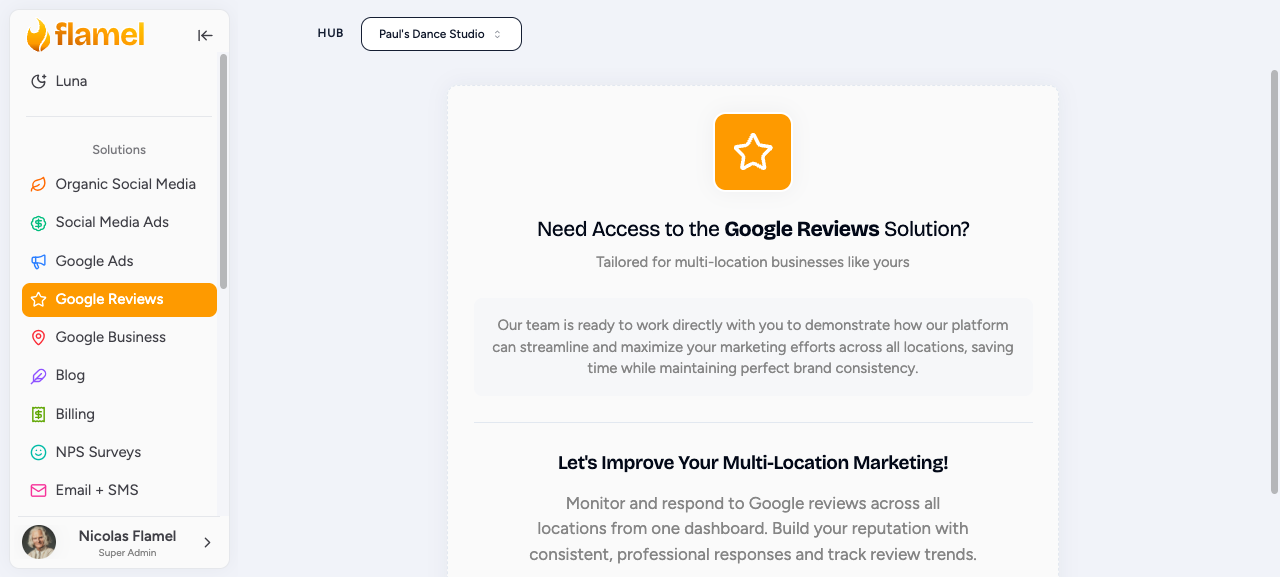
Click Google Reviews in the sidebar, then click Connect with Google.
Sign In With the Business Profile Owner Account
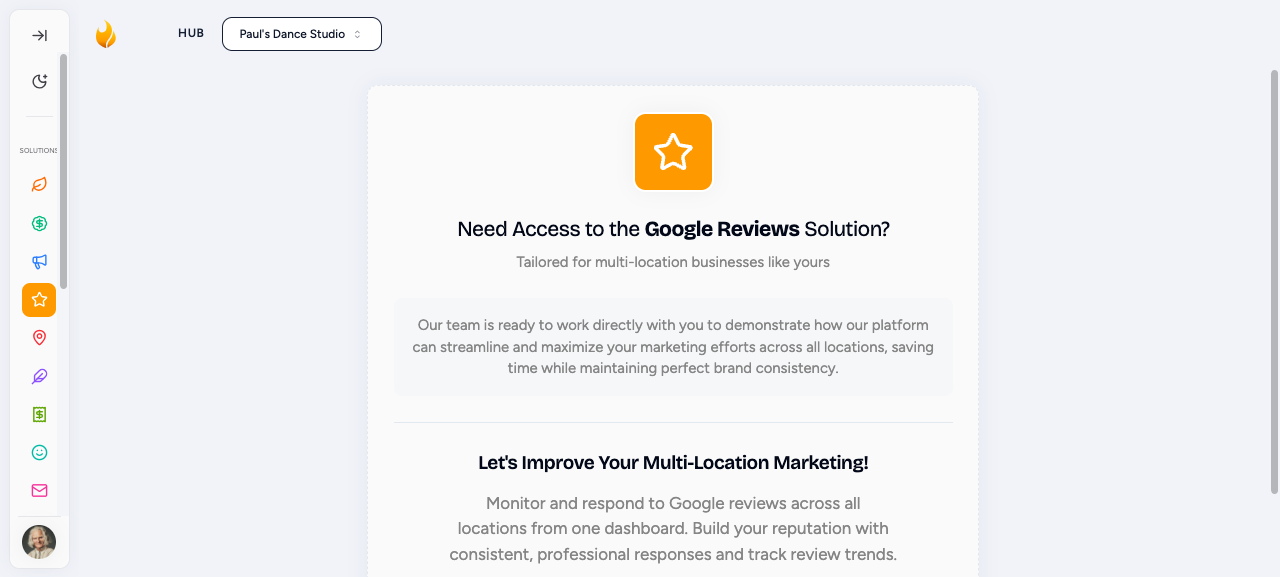
Choose the Google account that has access to your Business Profiles.
Authorize and Select Profiles
Grant Flamel permission to read and respond to reviews, then pick the Business Profile account you want to connect.
Hub Admins: Map Locations to Workspaces
For each unmapped Business Profile location, choose the matching workspace. This routes that location's reviews to the right workspace context so the right team can respond.
Reply Fast
Reviews answered within 24 hours signal an engaged business and outperform delayed responses on both customer trust and Google ranking. Turn on notifications so your workspaces never miss a new review.