Playbook billing
How opting into playbooks affects your advertising budget and billing.
For Workspace owners
A playbook's cost rolls into your monthly invoice. It does not double-bill. Opting into a playbook with a budget routes that spend through your existing monthly invoice, with no separate charge.
How playbook billing works
Opt into a playbook and choose a budget
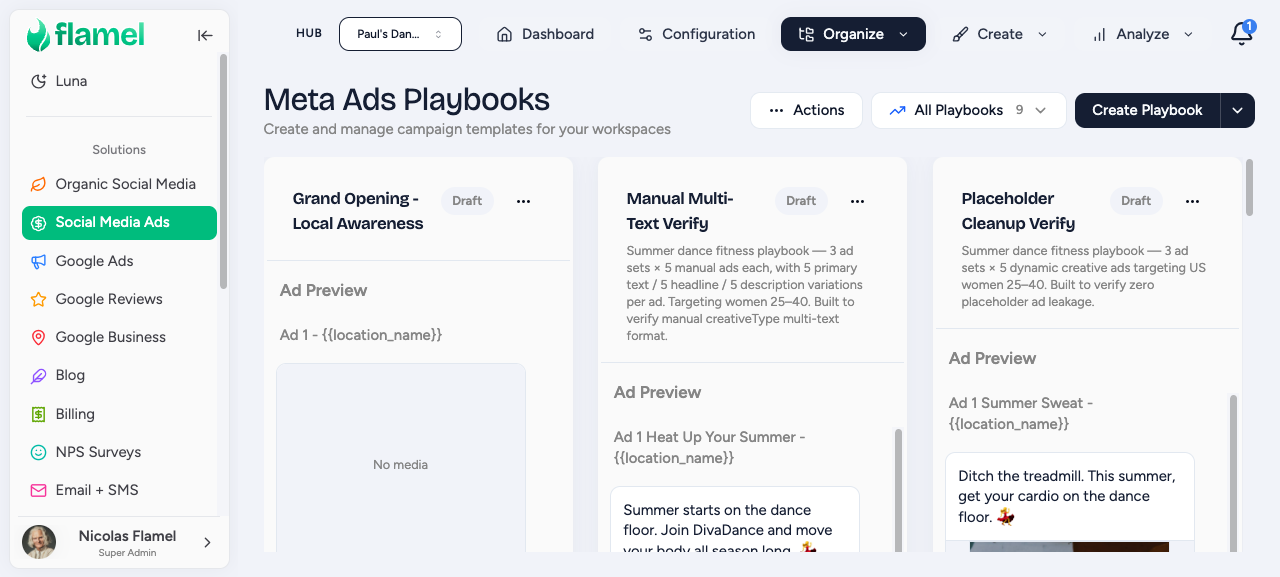
When you opt into a playbook, you pick a budget. You can take the recommended amount the hub has set, or enter a custom amount.
Recommended vs. custom budget
The recommended budget is the suggested amount the hub set for this playbook, and it is the simplest option. A custom budget lets you spend more (or less, if the playbook allows it). The minimum is set by the hub and the advertising platform's requirements.
Your monthly budget increases to cover the cost
Flamel raises your monthly budget enough to cover the playbook's advertising cost. There is no second invoice.
Ads deploy to your connected ad accounts
Once your budget is set, the playbook's ads deploy to your connected advertising accounts.
You are billed on your regular cycle
The playbook's budget is included in your normal monthly invoice. Your single monthly invoice covers all playbook costs.
What happens to your monthly budget
When you opt into a playbook, the cost is handled one of two ways depending on your remaining budget.
If you have remaining budget
The playbook cost is allocated from your existing monthly budget. Nothing else changes.
If the playbook exceeds your budget
You will be asked to increase your budget, and you can choose how:
- Increase monthly budget: your recurring charge goes up permanently.
- One-time increase: you pay the extra amount this month only.
Your hub admin can see your committed playbook allocations on their Budgets page.
Canceling a playbook
Cancel the playbook opt-in
Open the playbook and cancel your opt-in.
Your ads are removed
The ads stop running and are removed from the advertising platform.
Your budget adjusts back down
The playbook's budget is removed from your monthly billing. If your budget was increased for the playbook, it adjusts back down. You will not be charged for the canceled portion on your next invoice.
Payment issues
If your payment method fails when a playbook tries to charge you, here is what to expect and how to recover.
Deployment may pause
The playbook deployment may be paused until payment is resolved.
Update your payment method
You will see a notification with a link to update your payment method. Follow it to fix the issue.
Retry the playbook
Once your payment is resolved, the playbook can be retried and deployment resumes.
Frequently asked questions
Will I be double-charged for the playbook and my regular budget?
No. The playbook cost is part of your monthly budget, not in addition to it. Your single monthly invoice includes all playbook costs.
Can I change the playbook budget after opting in?
If the hub allows workspace budget control, you can resubmit your opt-in with a different amount. The billing adjusts automatically.
What if I cancel a playbook mid-month?
Ads stop running and the budget commitment is reversed. You will not be charged for the canceled portion on your next invoice.