AI Assistant (Blog)
AI-powered writing help inside the Blog Editor — generate drafts, improve copy, and suggest structure.
Your brand voice is established in your Brand Kit. It shapes the AI's output automatically.
In the Blog Editor, click AI Generator in the toolbar. Use the assistant to brainstorm topics or write from an idea of your own.
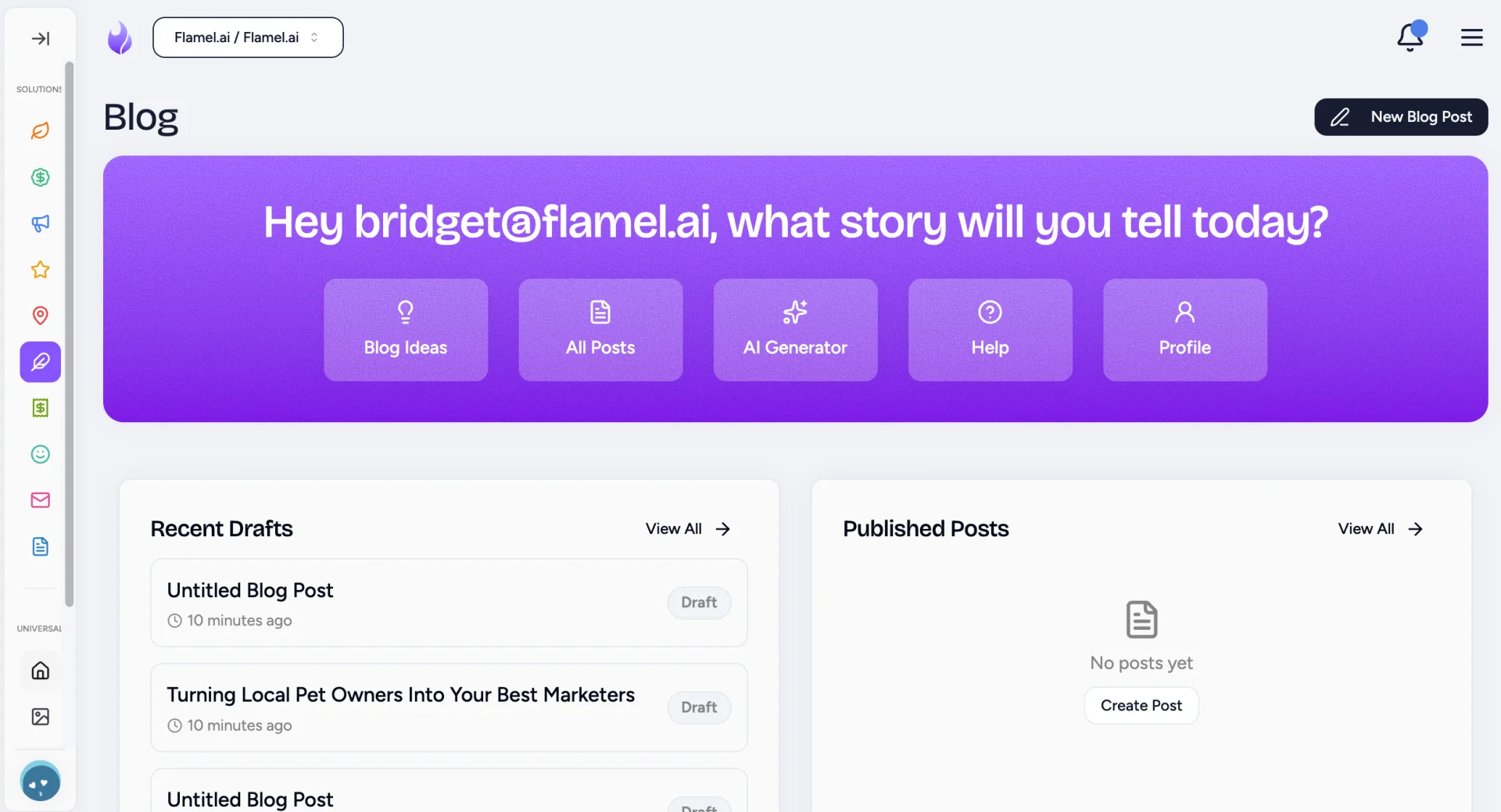
How to Use AI to Write a Blog Post
Prompt AI to Generate a Full Post
A prompt is a piece of text you write to communicate with AI. Think of it as detailed instructions that tell the AI exactly what you want it to make.
| Prompt | Returns |
|---|---|
| "Write blog about [topic]" | Full post on your chosen topic |
| "Create an outline for a post about [topic]" | Section framework with key points |
| "Draft 5 blog post ideas about [topic area]" | Topic suggestions with angles |
How to Get Better Results from AI Blogs
- Be specific. "Make my blog post more actionable by adding three concrete steps" beats "make this better."
- Review and edit. AI is fast but does not have your expertise, personal experiences or audience knowledge. Trust yourself on those.
- Use AI as a starting point. Best workflow: AI drafts, you refine.
- Add what only you can. Include personal anecdotes, customer examples and your unique perspective. AI cannot invent these.
Important Limitations
Verify factual claims
AI can state outdated or incorrect information confidently. ALWAYS fact-check statistics, names and technical details before publishing.
- Do not auto-publish AI content. Inaccuracies, generic voice and content that does not serve your audience are the real risks.
- Readers connect with human voices. AI helps you express your ideas faster, and sometimes better. It does not replace having new ideas.