Blog Ideas
Capture and organize blog topic ideas and brainstorm new ones with AI.
For everyone
Hubs can share blog ideas with Workspaces, then Workspaces can build their own backlog. The steps below work the same for both.
The hardest part of consistent blogging is finding topics worth writing about. Blog Ideas turns half-formed thoughts into a content pipeline you can filter by capacity and need.
Capture & Organize Ideas
Open Blog Ideas
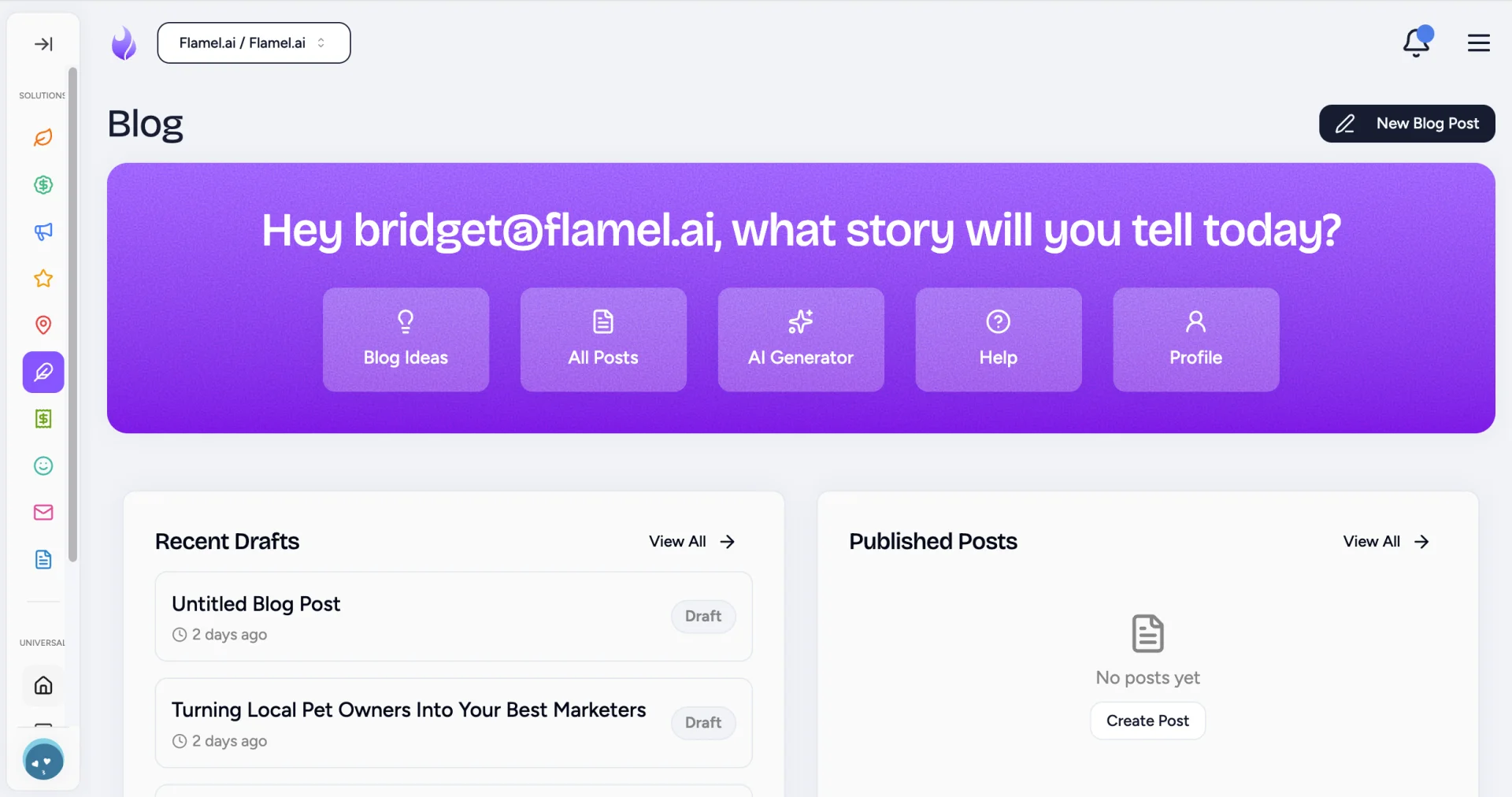
Go to Blog, then Blog Ideas in the purple panel. This is the spot that stores your running backlog of topics.
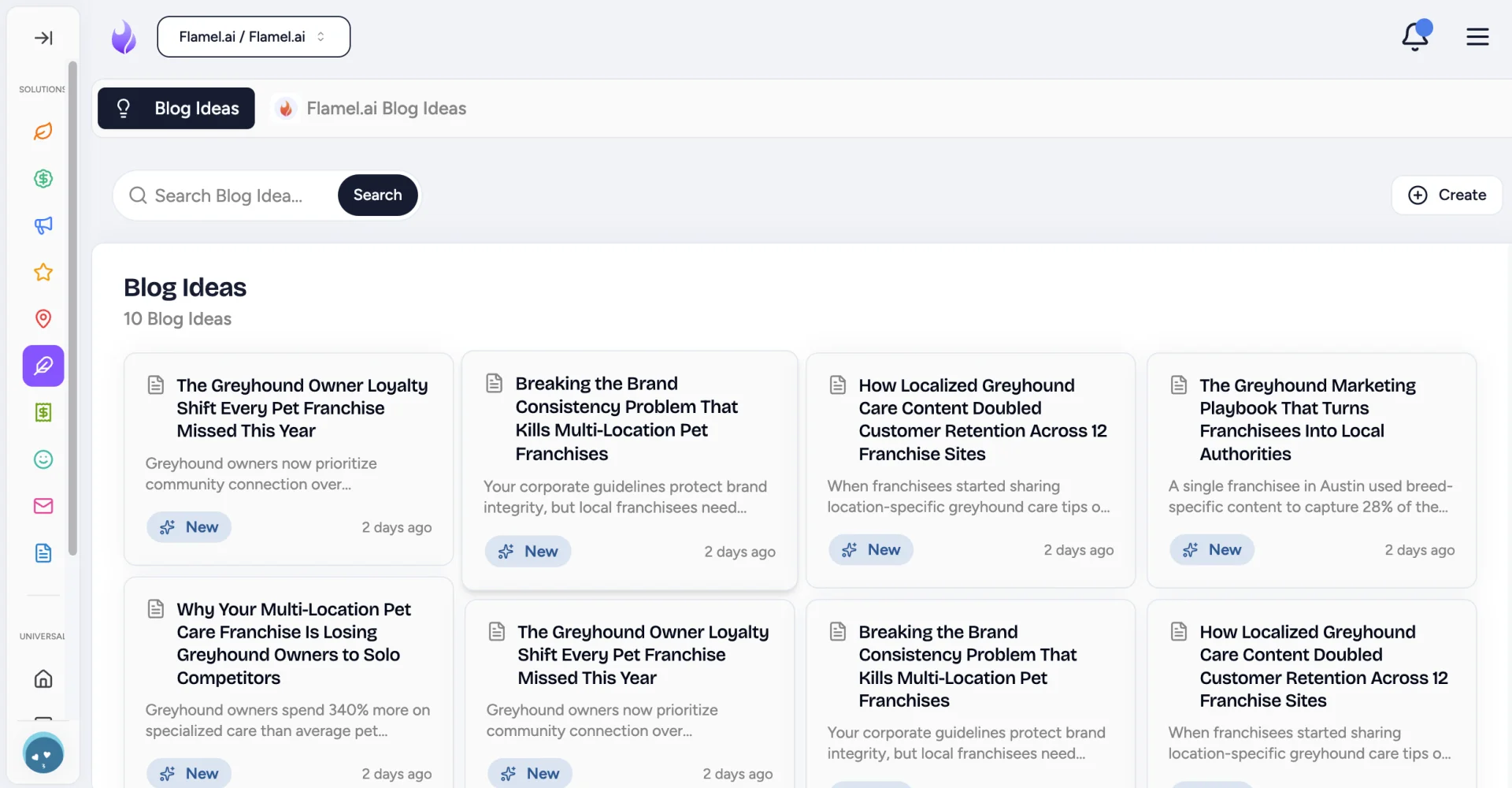
Add a New Idea
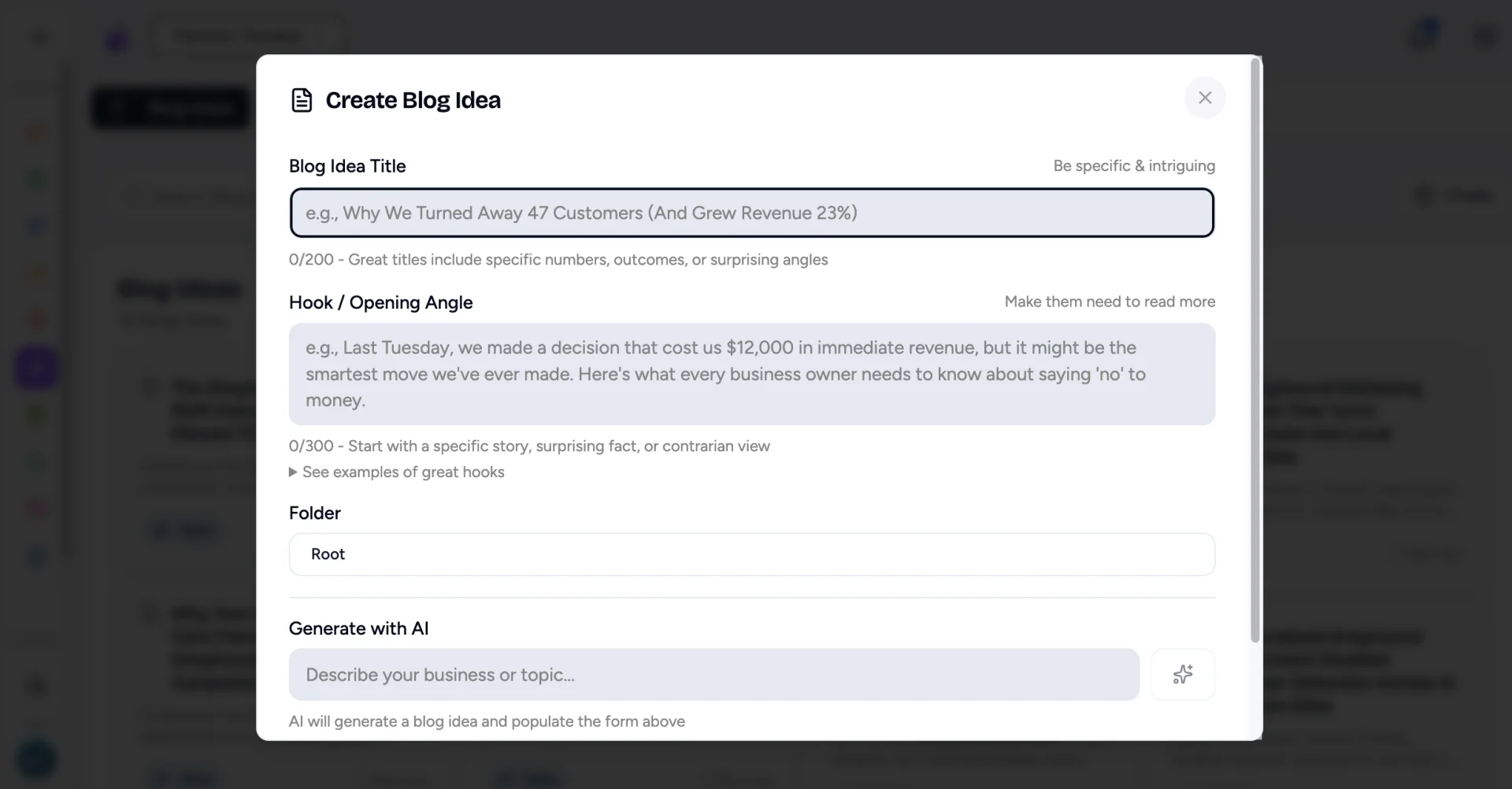
Click Create then New Blog Idea. Add a working headline and a few notes about what you'd cover. Don't overthink it! A rough title and one sentence of context is plenty to jog your memory later.
Organize Into Folders
Organize saved ideas into folders so you can find them later.
Tags and status
Group ideas by topic, format, or priority (marketing, how-to, urgent, someday). Status tracks where each idea stands: New, then Researching, then Writing, then Ready.
Turn an idea into a post
Open the idea
From your Blog Ideas list, click the idea you're ready to write about. Click the Use Blog Idea button in the bottom-right of its pop-up window.
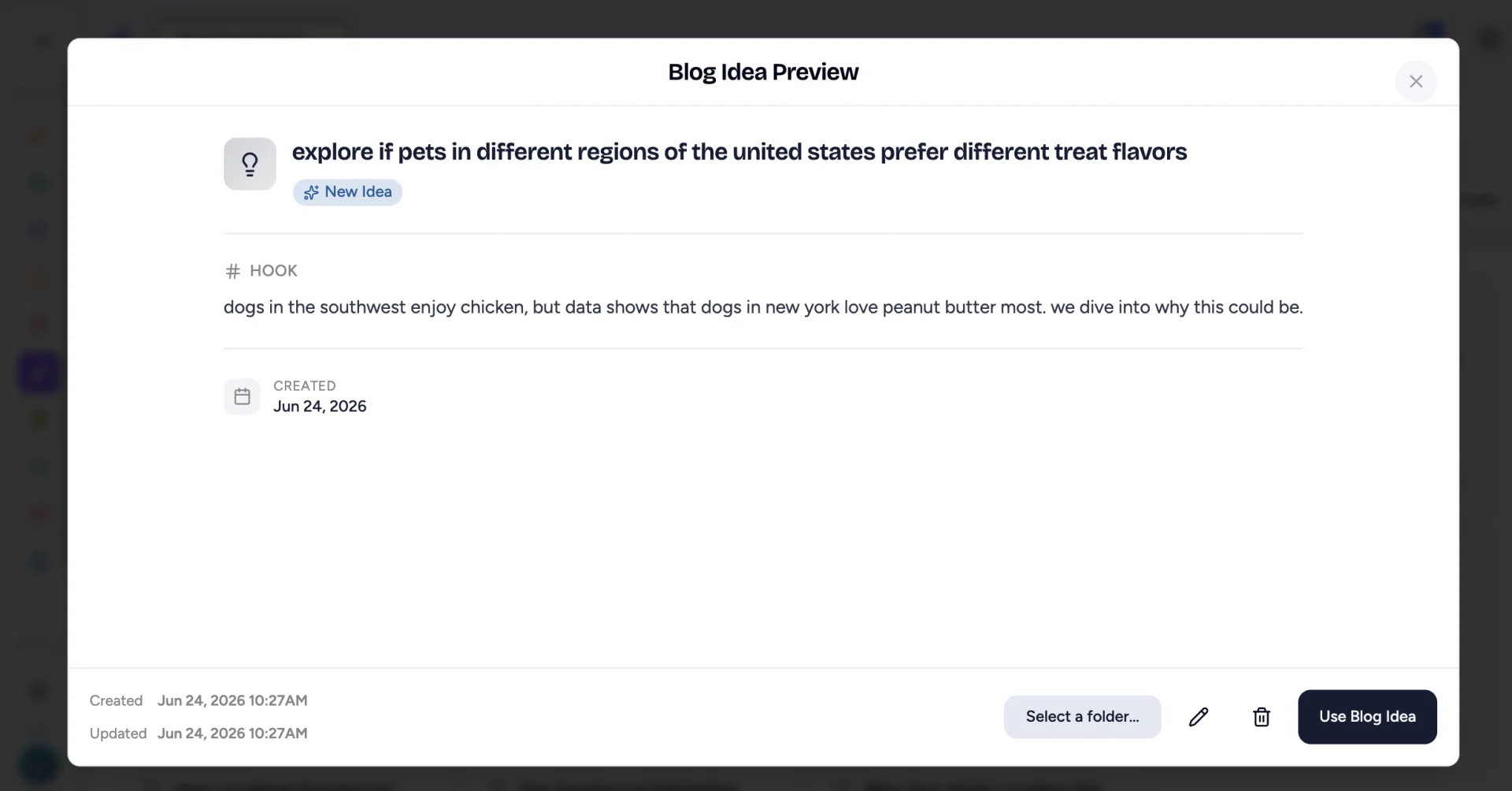
Create the Post
After clicking Use Blog Idea, Flamel's AI will write its title, body copy, tags and SEO metadata. In a snap, your earlier thinking is alive and you can begin editing it.
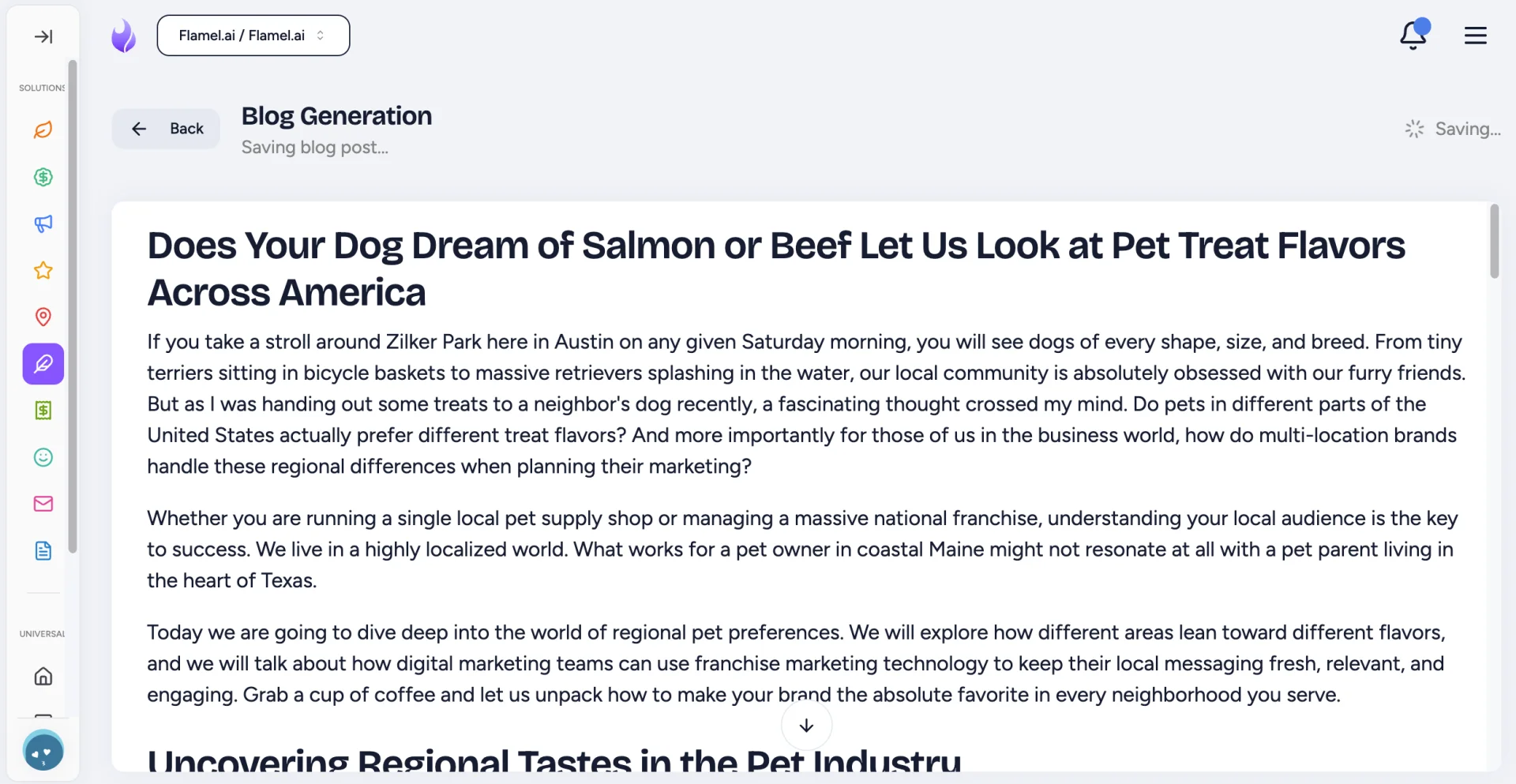
Export or Edit
After the post is created, you can export it to your Content Management System (CMS) or edit it within Flamel. Blogs are auto-saved. You can then choose to publish or archive it when complete.
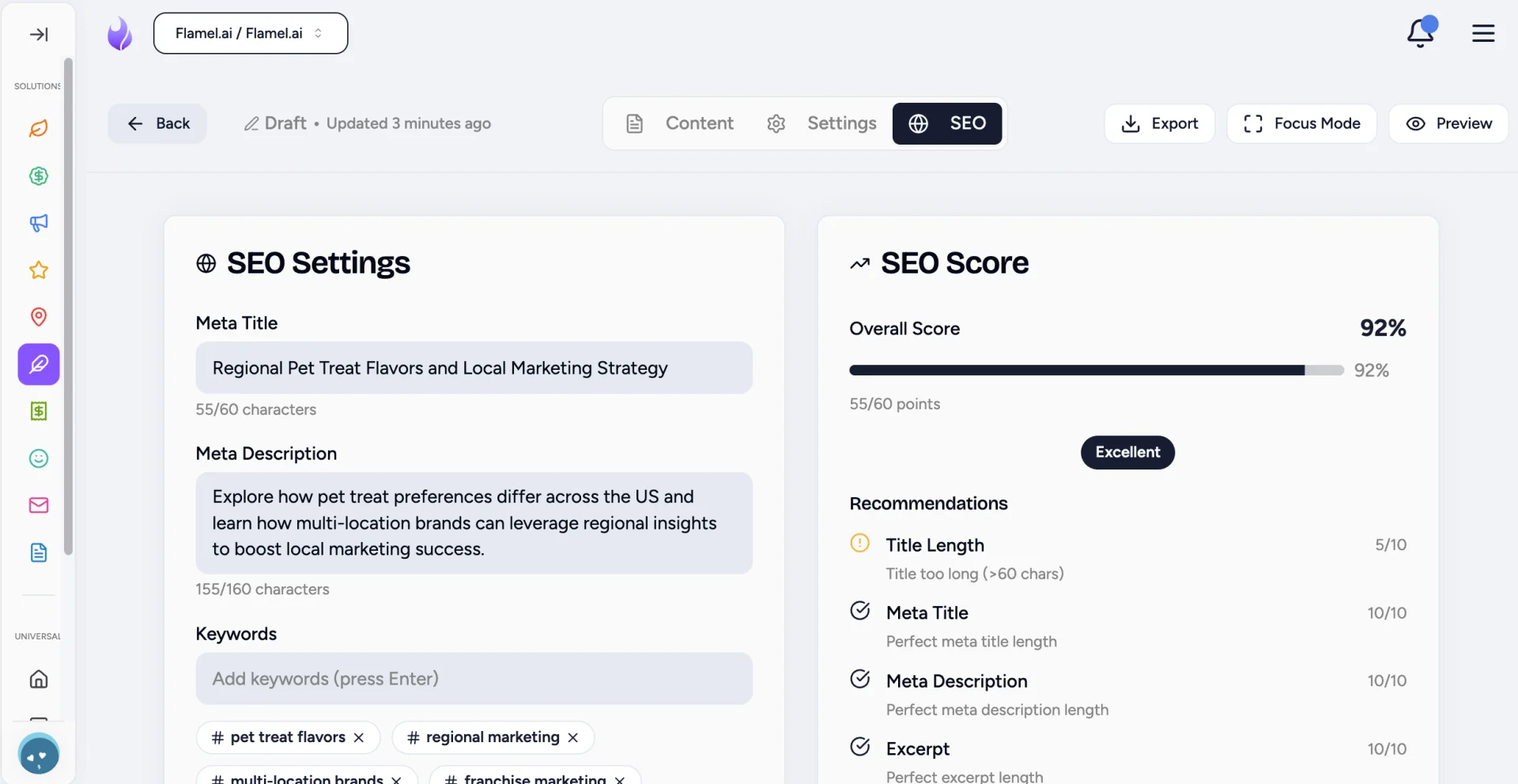
When editing in Flamel, you can use the toggle at the top to edit Body Copy, Blog Settings and SEO info.
Generate Blog Ideas With AI
Experiencing writer's block? Let AI suggest topics that tend to perform.
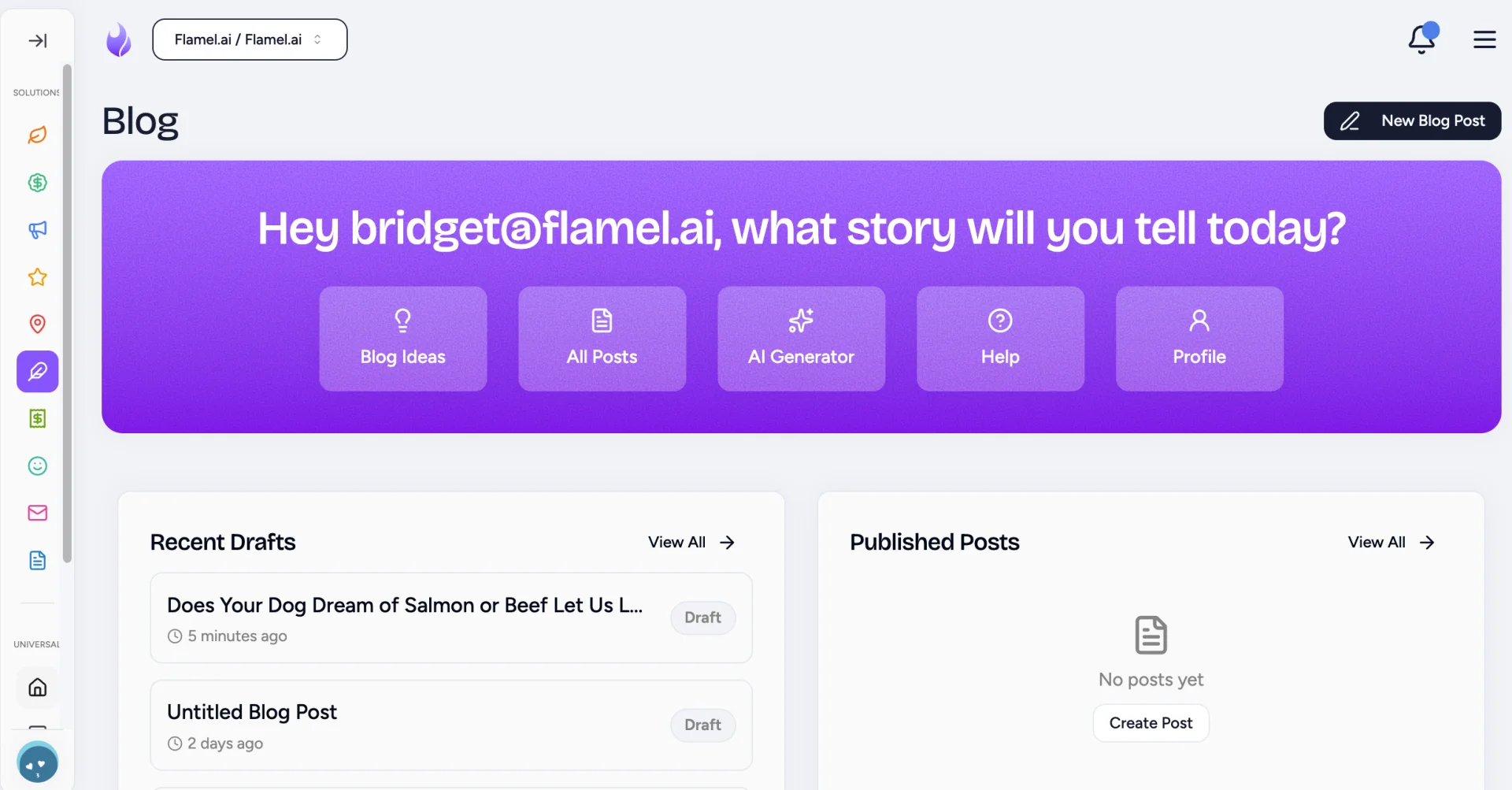
Open the AI Blog Generator
Go to Blog, then click AI Blog Generator in the purple panel.
Select How You Want to Work With AI
Select a saved idea to work from, or write a new prompt for the AI.
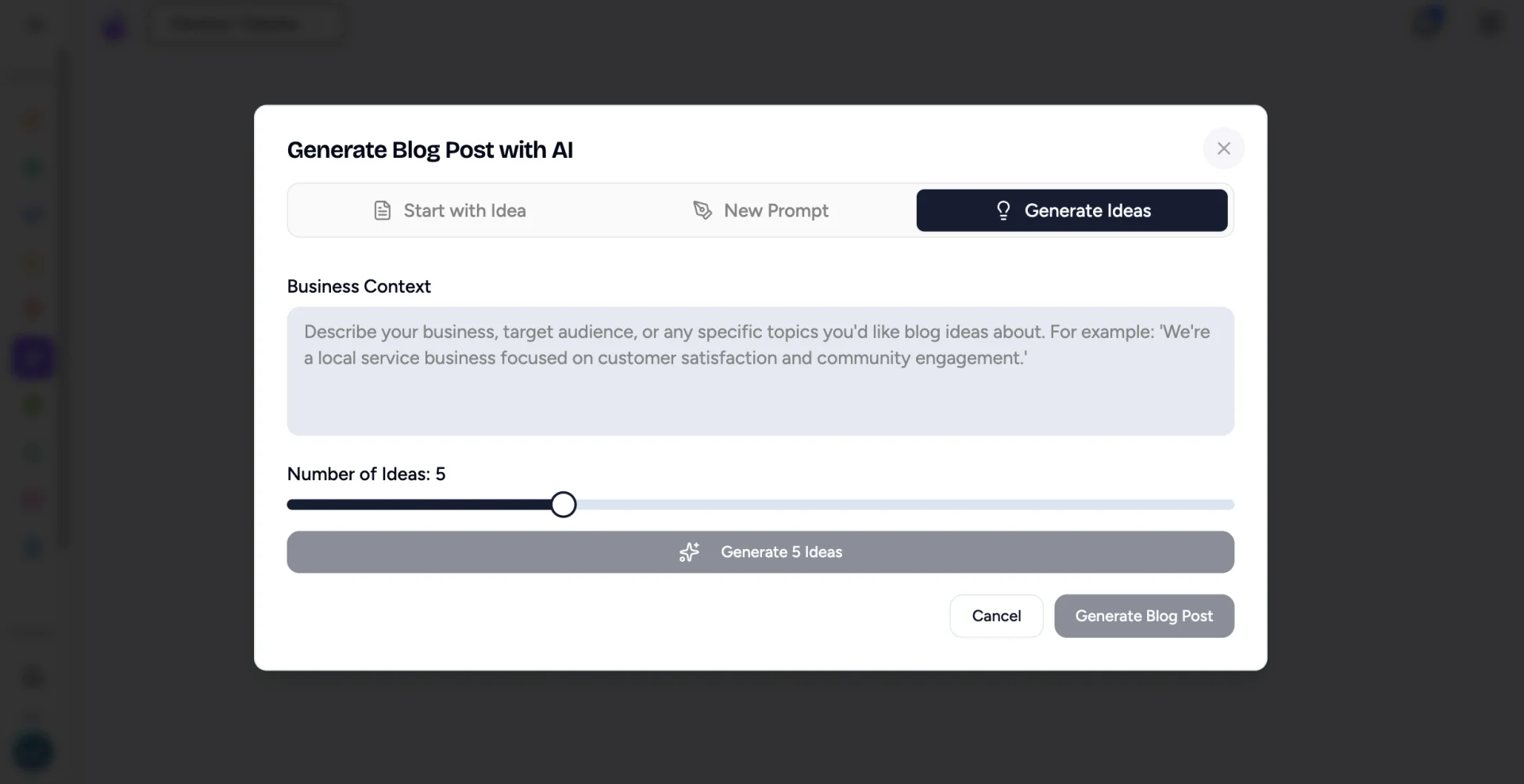
To brainstorm, open Generate Ideas, describe your blog, choose how many ideas you want, then click Generate # Ideas.
Select Your Favorite Concept
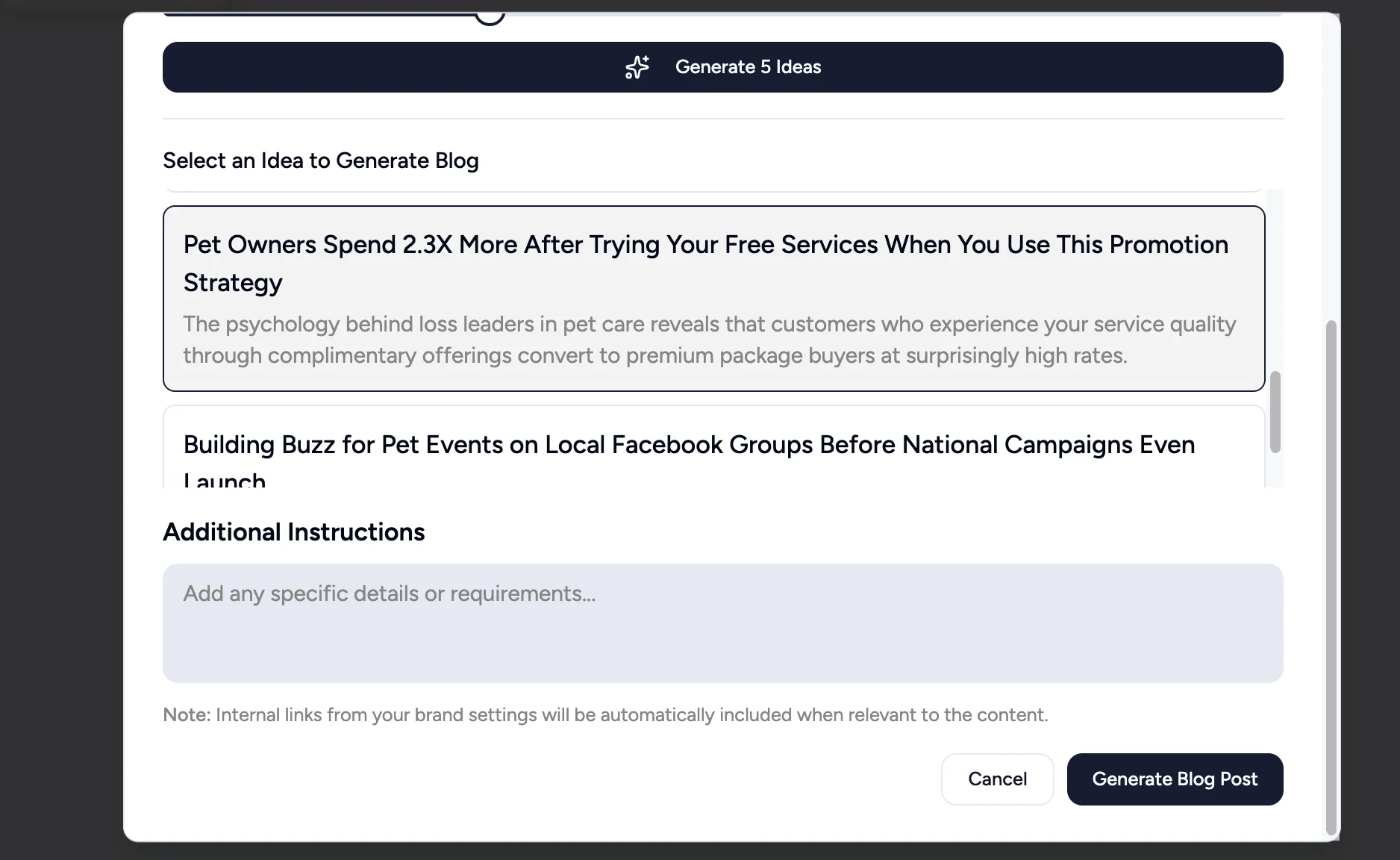
Once you find a blog post idea you like, click it. Add any more context needed in the text box below it. AI will keep those notes in mind as it writes. After clicking Generate Blog Post, your blog will be generated, then you can edit or export it to your CMS from there.
Workspace owners: Hub-shared ideas
If you're a Workspace owner, you'll see ideas distributed from your Hub alongside your own. Use them for seasonal campaigns and brand initiatives where corporate has already done the topic vetting.