Ad Configuration — Workspace guide
Customize your local targeting within Hub-defined limits: set your radius, CTA, lead form, and custom audiences.
For Workspace owners
Your Hub sets the strategy; you fine-tune for your local market. Before starting, confirm your Meta ad account and Facebook Page are connected in Connected Accounts.
What you can change
| Setting | Yours to control? |
|---|---|
| Location radius (1 to 50 mi) | Yes |
| Custom audiences (your CRM uploads) | Yes |
| Local interests | Yes |
| Website URL and lead form | Yes |
| Age and gender (within Hub-set ranges) | Limited |
| Create or delete audience types | No (Hub only) |
| Hub-locked targeting fields | No |
Want more control?
Ask your Hub admin to grant the paid_ads_management permission. That unlocks additional fields that are otherwise Hub-only.
Set up your local targeting
Open Ad Configuration
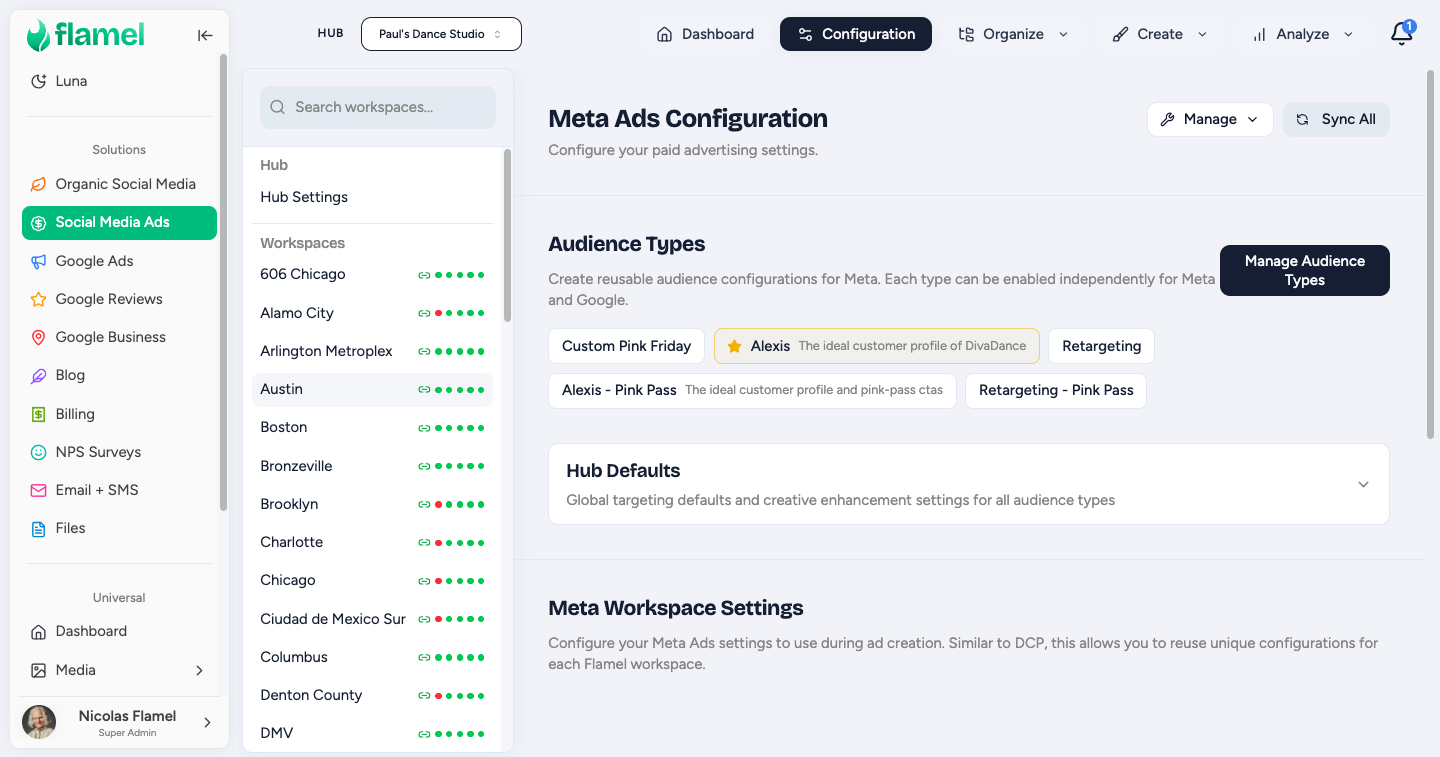
Go to Paid Social Ads, then Organize, then Ads Configuration. You will see tabs for Default plus each audience type your Hub created.
Set your location targeting (most important)
In the Default tab, open Custom Locations and add your business address with a radius. The tab turns green once your location is set. A red indicator means your campaigns will not deploy until you add a location.
| Market | Suggested radius |
|---|---|
| Dense urban | 5 to 10 mi |
| Suburban | 15 to 25 mi |
| Rural | 25 to 50 mi |
Location is required to deploy
Every audience type tab needs a location to show a green status dot. Confirm all tabs are green before opting into a playbook.
Set your CTA and lead form
In the Default tab, open Call to Action and enter your local landing page URL.
For lead campaigns, also set your local lead form under Lead Capture. If the form does not appear, click Sync Forms to pull it from Meta.
Customize per audience type (optional)
Open each audience type tab and override anything that should differ for your market. Empty fields inherit from the Default tab.
Common overrides:
- Database: upload your local CRM as a custom audience.
- Retargeting: confirm your pixel is firing and your retargeting audience has populated.
Common questions
My location radius keeps reverting. Save the tab explicitly. Custom Locations requires a save click, unlike most other sections that autosave.
I do not see all the audience type tabs my Hub mentioned. Refresh the page or check with your Hub admin. Audience types are created at the Hub level.
My lead form is not appearing. Click Sync Forms under Lead Capture. If it is still missing, confirm the form is published (not draft) in Meta and copied to your Page.
Can I add custom audiences from a customer list? Yes. Upload the list in Meta Ads Manager, wait for it to populate, then click Sync Audiences in Ad Configuration to pull it into Flamel.