Managing alerts
Pause, edit, organize, and tune your alerts so they stay useful.
Once you have alerts running, the work shifts to keeping them useful: reviewing what fired, tuning thresholds, and retiring alerts you no longer need. This page walks through each task.
Alerts Dashboard
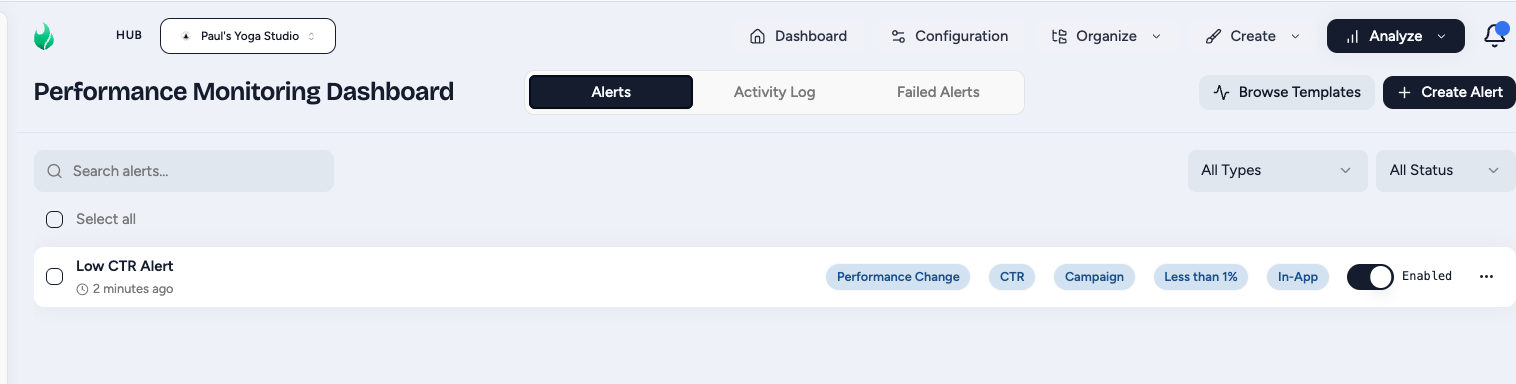
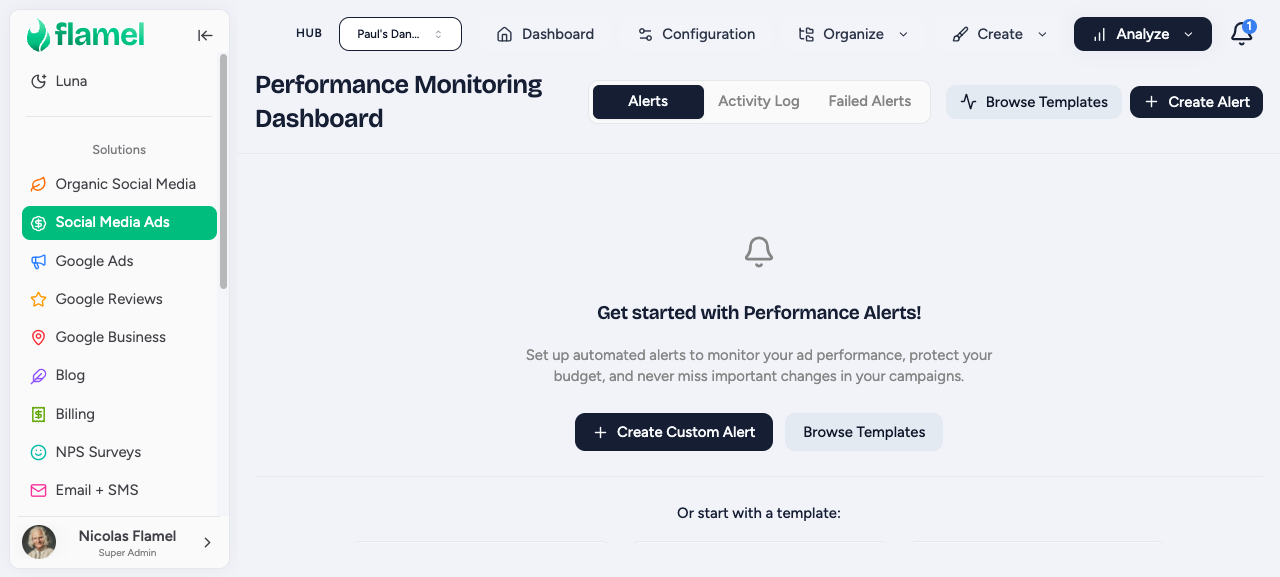
The dashboard has three views: Alerts, Activity Log, and Failed Alerts.
- Alerts - gives the user the ability to manage their existing alerts. You can enable/disable, edit, or delete the alert.
- Activity Log - this is a log of each time your alerts have been triggered.
- Failed Alerts - this is a bug catching device to show if any of your alerts have failed to create.
Review and Tune An Alert
Open an alert to see its history
Click any alert row to open its history. This is where you learn whether the alert is set up well:
- Trigger log: when and why it fired
- Metric values: what the metric read at the moment it triggered
- Notification log: who was notified, and how
- Trend: how the monitored metric has moved over time
The trend and trigger log together tell you whether your thresholds need adjusting.
Click Edit to make changes
Click Edit to change the alert's name, threshold, metric, baseline, or notification recipients. Save when you are done.
Adjust based on how the alert behaves
Use what you saw in the history to decide what to change.
Common fixes
- Triggers too often: loosen the threshold.
- Never triggers: tighten the threshold, or check that the scope covers the right campaigns and workspaces.
- Wrong people getting alerts: update the recipients.
- Your monitoring goal changed: adjust the metric or scope.
Pause vs Delete
Delete is permanent
Deleting an alert cannot be undone, and its configuration is not recoverable. If you are unsure, pause instead.
Pause an alert when you will likely need it again: a vacation, a planned change, or a seasonal lull. Pausing turns off notifications but preserves the full configuration, so you can switch it back on later without rebuilding anything.
Organize a Large Alert Library
When you are managing many alerts at once, a few habits keep the list workable:
- Filter by type, status, or recent triggers to focus on what matters right now.
- Name consistently so related alerts sort together (see the naming guidance in Creating alerts).
- Group related alerts by purpose, for example: campaign-health (CPC, CTR, conversions), budget-monitoring (daily, lifetime, pacing), and network-oversight (creation, change).
Notification Hygiene
If alerts are too noisy or too quiet, tune the flow rather than ignoring them.
Getting too many alerts
- Loosen the thresholds.
- Switch low-priority alerts to a daily digest.
- Pause the non-essential ones.
- Reserve email for only the critical alerts.
Missing alerts you expected
- Confirm email is enabled in the alert's settings.
- Verify the recipient address is correct.
- Check the recipient's spam folder.
- Manually trigger the alert to confirm delivery end to end.
Maintenance Cadence
A light recurring review keeps your alert library healthy. Use this rhythm as a starting point.
| Frequency | Focus |
|---|---|
| Weekly | Triggered alerts; respond to the actionable ones |
| Monthly | Threshold effectiveness; remove obsolete alerts |
| Quarterly | Overall coverage; share what is working with the team |