Boosted Post as Media
Boost an existing Facebook or Instagram post as your playbook ad instead of uploading new creative.
For Workspace Owners
Boosted post opt-ins let you turn a post that is already performing well organically into a paid ad. The Hub sets the campaign structure; you pick which post to boost.
Boosted post playbooks use an existing Facebook or Instagram post as the ad creative, so you pick a post that already performs instead of uploading media. Use one to extend a strong organic post's reach with paid budget.
How Opt-Ins Works
Find the Playbook in the Shop
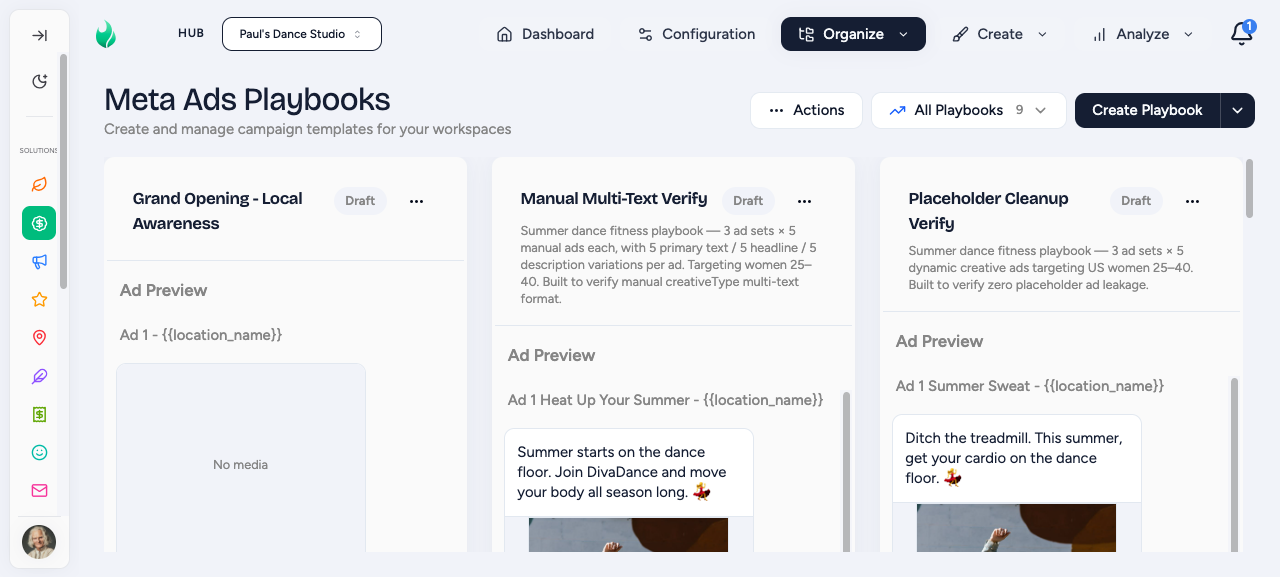
Go to Social Media Ads, then Shop Playbooks. Playbooks that accept a boosted post show a Boosted Post badge on the card.
Click Opt In
Open the playbook card and click Opt In to start the launch checklist.
Set Schedule and Budget
Complete the Schedule and Budget sections if they appear. Fixed-schedule or fixed-budget playbooks skip these.
Select the Post to Boost
In the Creative section, choose between Facebook or Instagram. You will then see your recent eligible posts to use. To add to your ad, click Use in Ad.
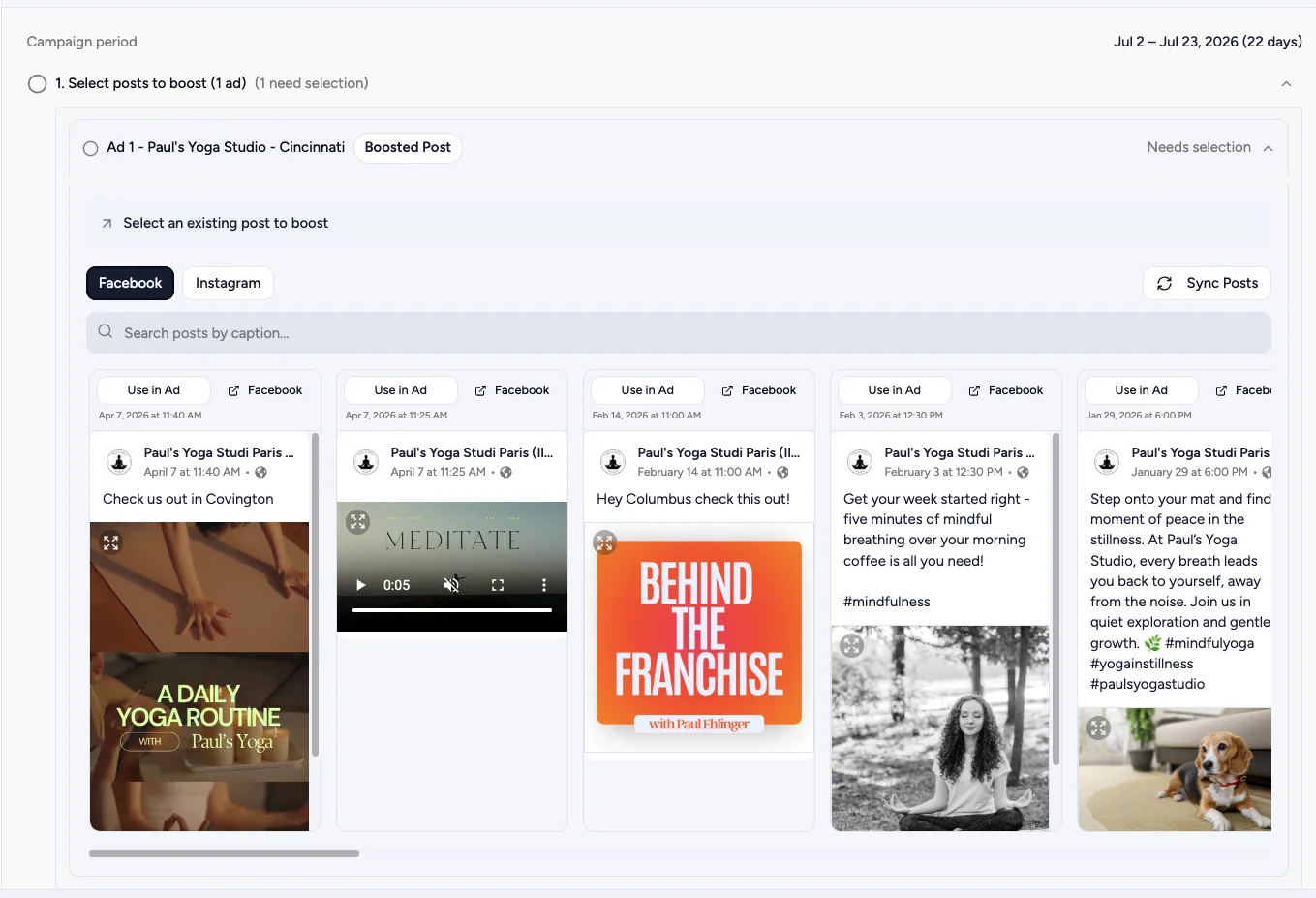
Pick a post with organic engagement
The best candidate is a post that already has meaningful likes, comments, or shares. Organic engagement signals to Meta that the content resonates, which can improve paid performance and lower cost per result.
Review and Submit
Confirm the selected post appears in the Review section, then click Opt In. Flamel uses the post as the ad creative and creates the campaign in your Meta ad account.
Facebook vs Instagram
Boosted posts work differently on each platform:
| Platform | What Gets Boosted |
|---|---|
| The Facebook Page post you select | |
| The linked Instagram Business account post |
If you want to boost an Instagram post, make sure your Instagram Business account is connected to your workspace and that the post exists on that account.
Hub Creative Review
If the Hub requires creative review for this playbook, your submission enters an Awaiting Approval state after you submit. The Hub reviews your selected post before the campaign deploys. You will be notified when it is approved or if changes are requested.