Hub Provided Media
How Hub-provided media works in playbook opt-ins: the Hub supplies the creative and workspaces deploy without uploading anything.
For Workspace Owners
When a playbook uses Hub-provided media, the Hub has already supplied all ad creative. You opt in, confirm your budget and schedule, and deploy, with no media upload required.
Hub Provided Media is the simplest opt-in path. The playbook already has images and video attached, so every workspace runs the same approved creative. Use it for brand consistency campaigns, product launches, and seasonal promotions that must look identical across the network.
How The Opt-In Works
Find the Playbook in the Shop
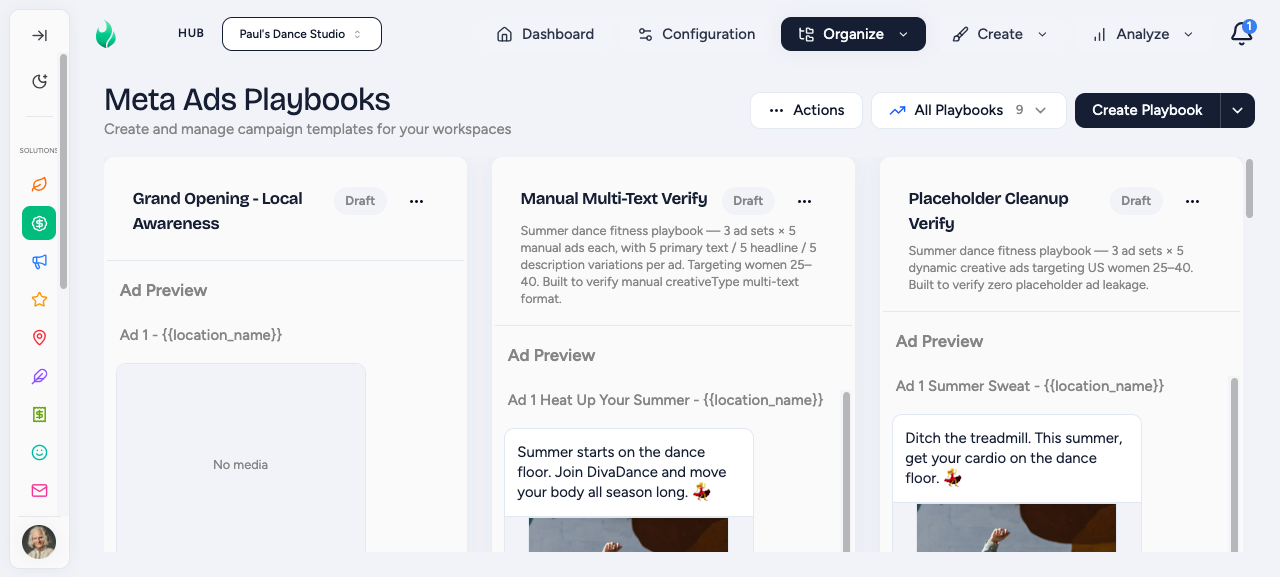
Go to Social Media Ads, then Browse More Playbooks. Playbooks using Hub-provided media show a Hub Creative badge so you know no upload is needed.
Click Opt In
Open the playbook card and click Opt In to start the launch checklist.
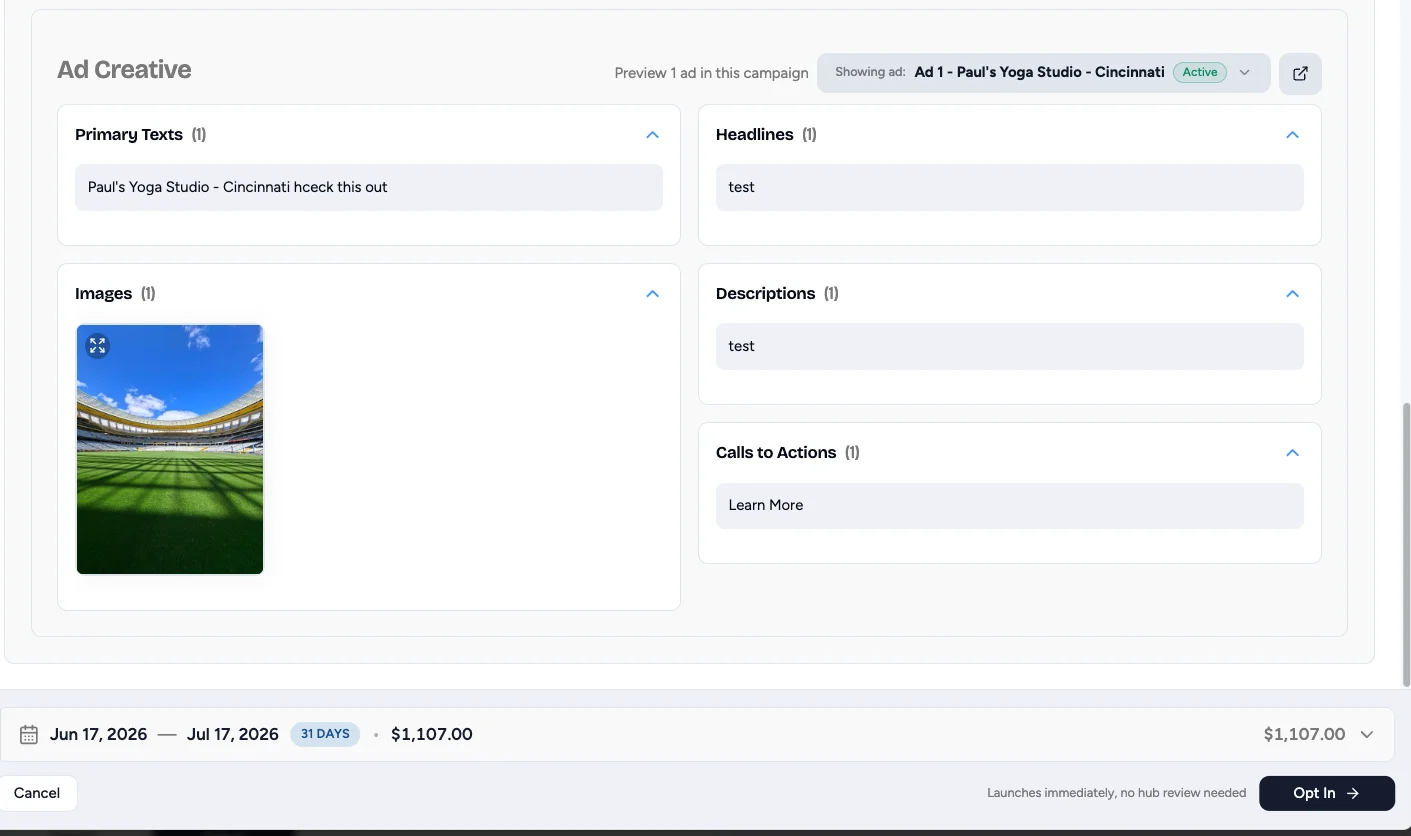
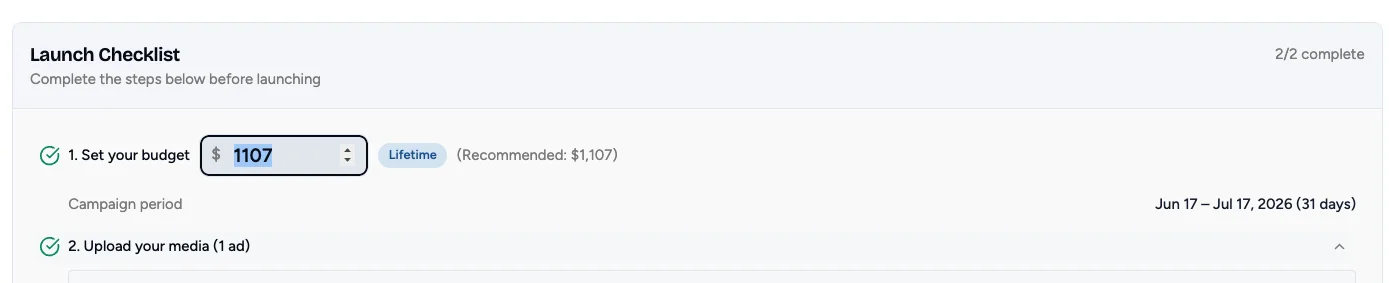
Set Schedule and Budget
Complete the Schedule and Budget sections if they are visible. Some playbooks have fixed budgets or dates set by the Hub, and those sections will not appear.
Answer Questions (If Any)
If the Hub added questions (location-specific details, offers, or targeting preferences), fill them in. Required questions are marked with an asterisk.
Review the Hub Creative
The Review section shows a preview of the Hub's ad images and copy. You are confirming the content, not uploading your own.
Cannot change the media
Hub-provided media is locked. If you want to use your own images or boost an existing post instead, the Hub needs to configure the playbook to allow workspace-level creative or boosted posts.
Submit and Deploy
Click Opt In. Flamel creates the campaigns in your Meta ad account using the Hub's creative. You will see a deployment progress indicator, then a confirmation when the campaign is live.
Why Hub Media Campaigns Perform Consistently
Because every location runs the same creative, the Hub can optimize once and the improvement benefits the whole network. Split-test results from the best-performing workspace inform the Hub's next creative update, and that update rolls out to every future opt-in automatically.
Related Articles
The full opt-in flow covering all creative types.
Upload your own images or video instead of using Hub creative.
Boost an existing organic post rather than running a new ad.
Hub admins: monitor opt-ins and approve workspace creative submissions.